RECENTLY CHECKED
All projects →
TOOLS & EQUIPMENT

Tools & Equipment

Start with the object you want to make. Choose a suitable process, check equipment access and cost, then try a small part before committing to the full build.

FROM SCREEN TO SOMETHING REAL

Four examples of making processes

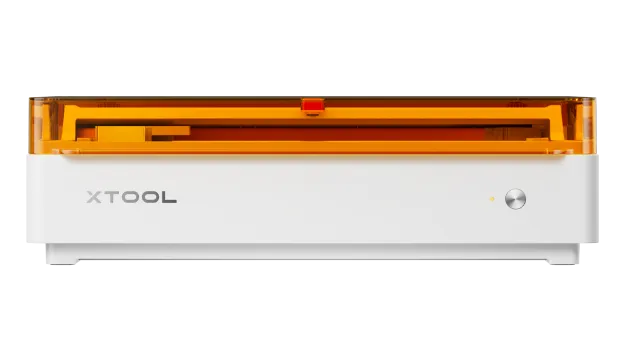
M2 Color Craft
LASER

Cut or engrave a digital design.

AI can help create or adapt the artwork. The laser turns the file into a cut or engraved physical part.

See the route →
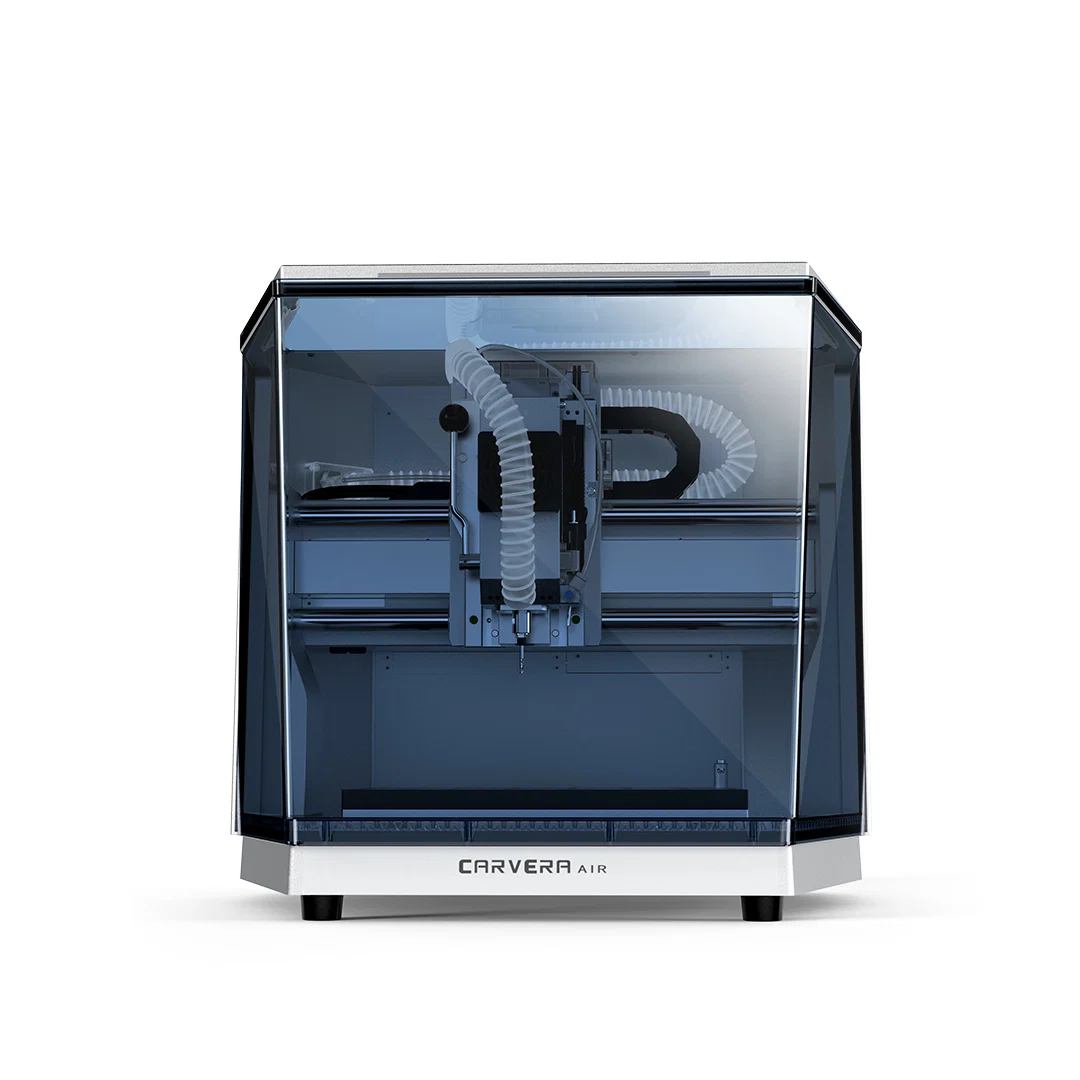
Carvera Air
CNC

Machine a part from a CAD model.

Use CNC when the finished part needs accurate dimensions, strength or a machined surface.

See the route →
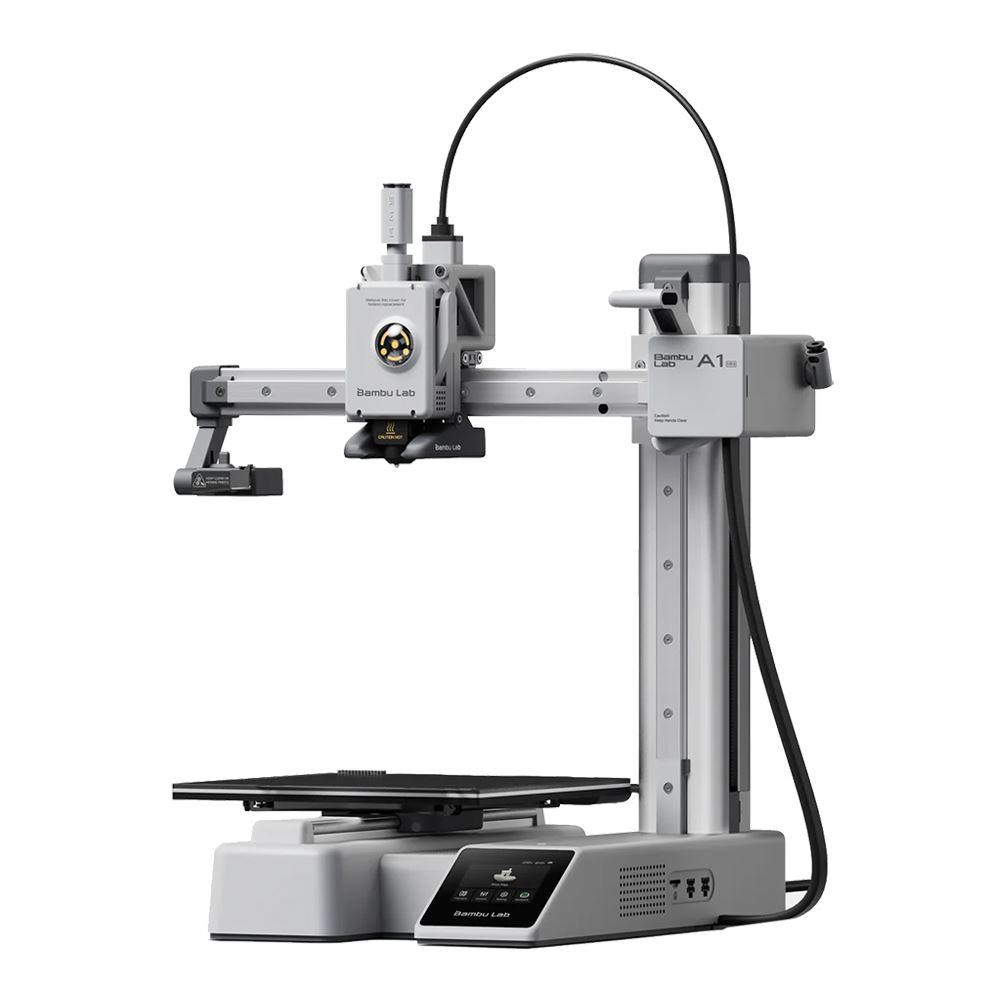
A1 mini
3D PRINTING

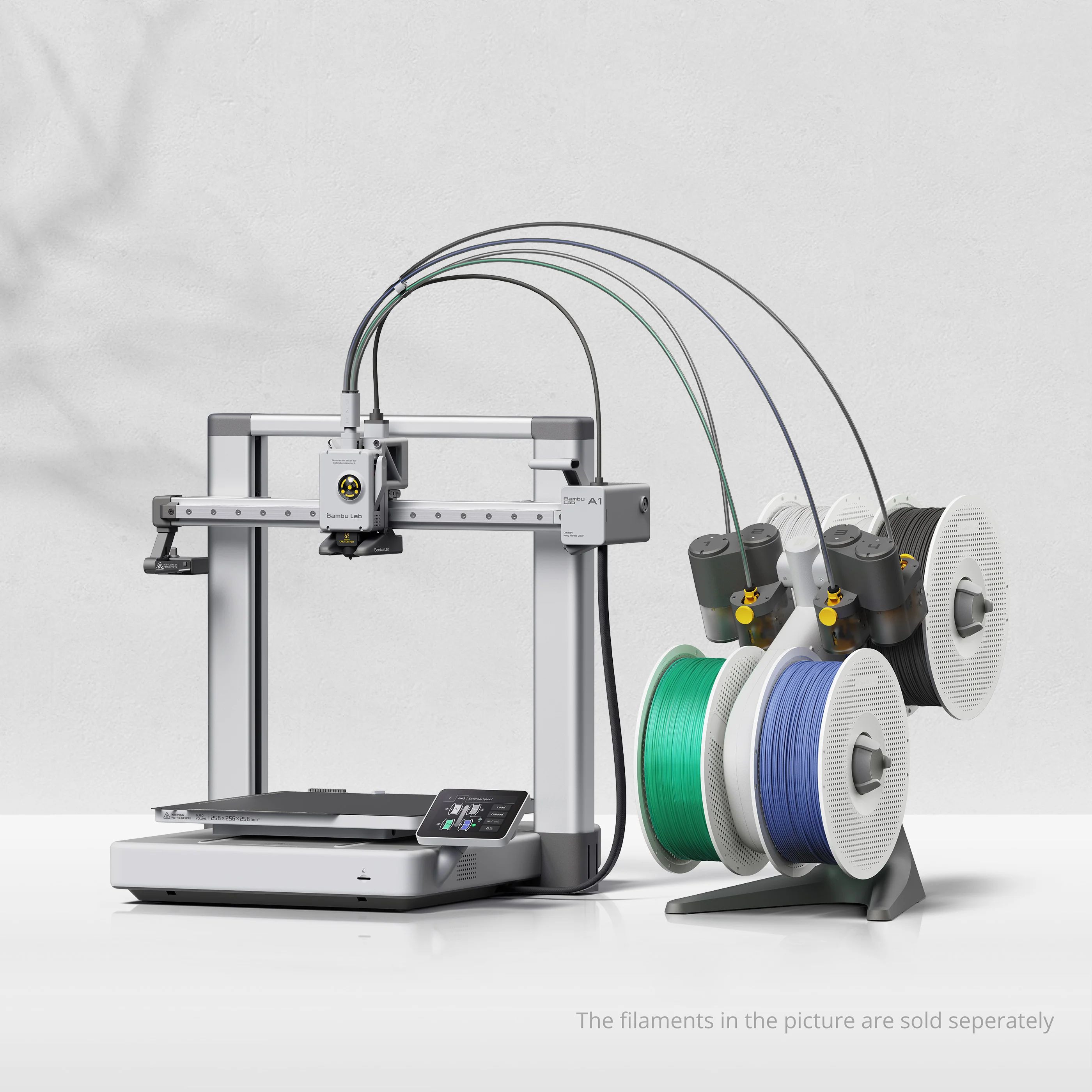
Print a part from a 3D model.

A slicer prepares the model for a filament printer. Use the category guide to compare machines for your part and material.

See the route →
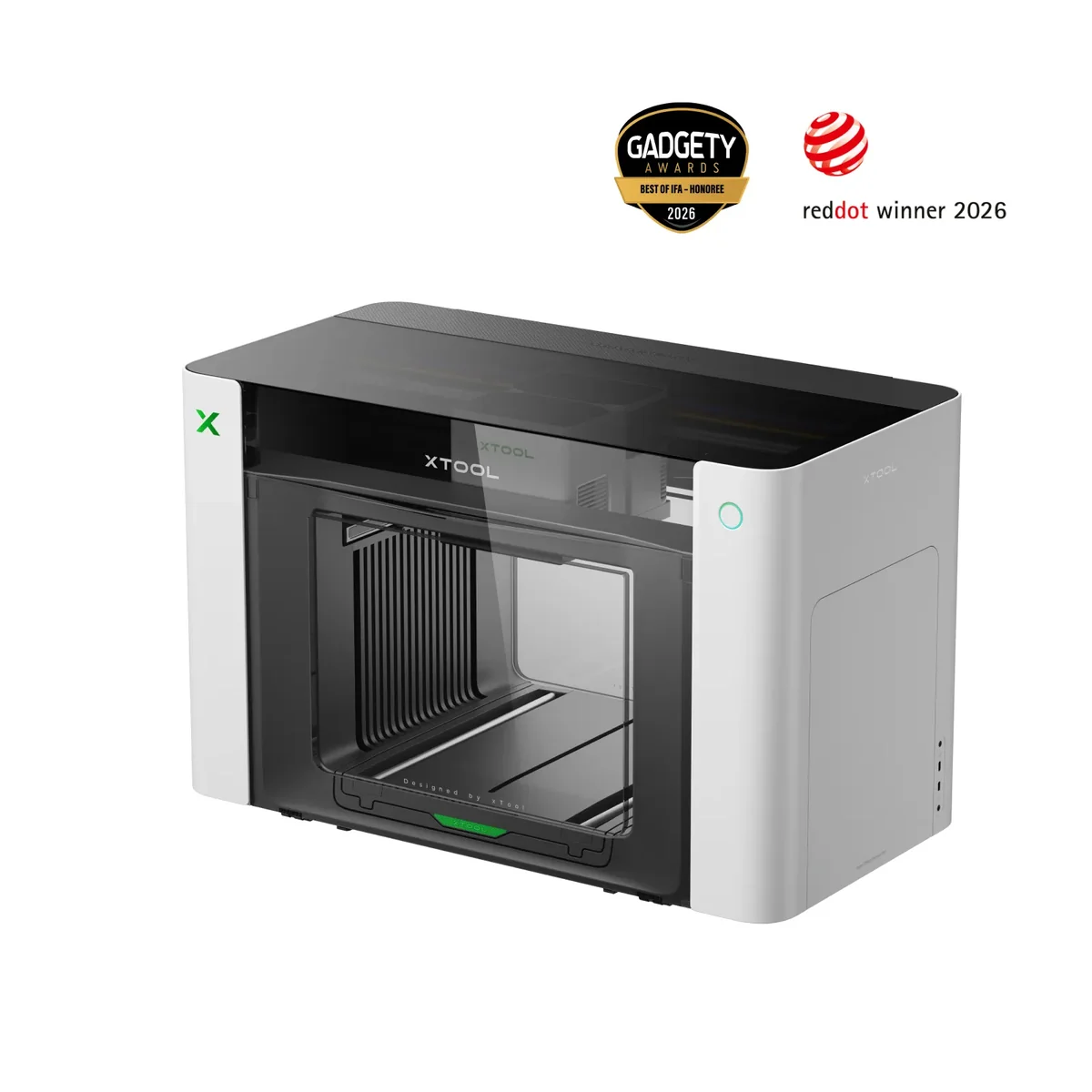
O1 Omni
PRINT OBJECTS

Print artwork directly onto an object.

Digital artwork can become signage, merchandise, phone cases and other personalised physical items.

See the route →
CHOOSE THE PROCESS

Choose the making process

All equipment and software categories are included below. A category guide explains the buying decision; a product assessment covers a named model. Some guides do not yet have checked product assessments.

3D PRINTING

Build a three-dimensional part

FDM lays down filament; resin printing forms fine-detail parts from liquid resin. Both create geometry, rather than printing artwork onto a surface.

SEWING & TEXTILES

Construct and stitch soft goods

Sewing joins fabric; embroidery adds stitched designs. For cut vinyl and garment transfers, use the cutting and surface-printing families.

TOOLS & EQUIPMENT

Product shortlists by category

These are starting points, not a ranking across different machines. Expand one category, then open its full guide for all current options, buying criteria and evidence.

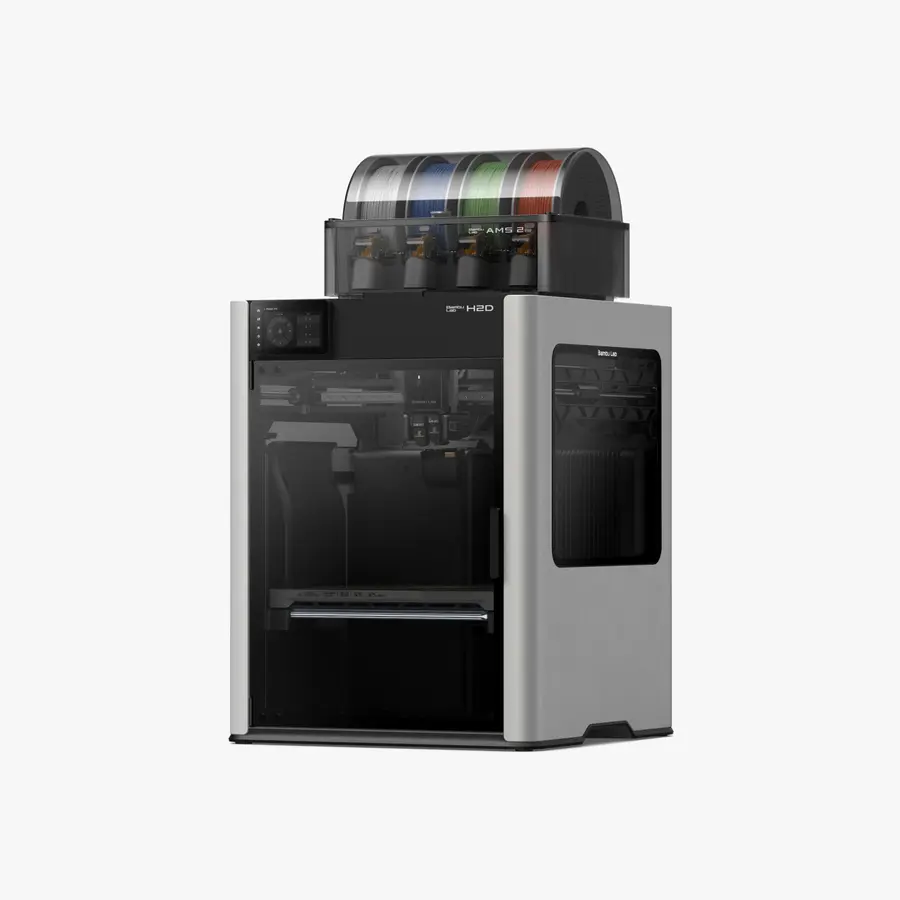
FDM 3D printers3 listed optionsCompare all fdm 3d printers →
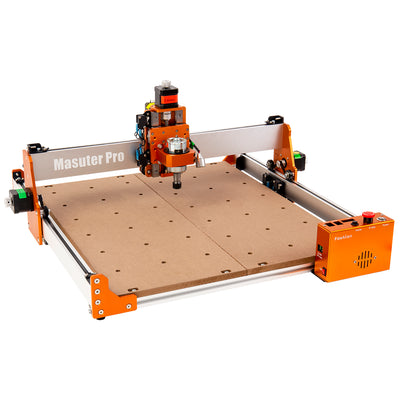
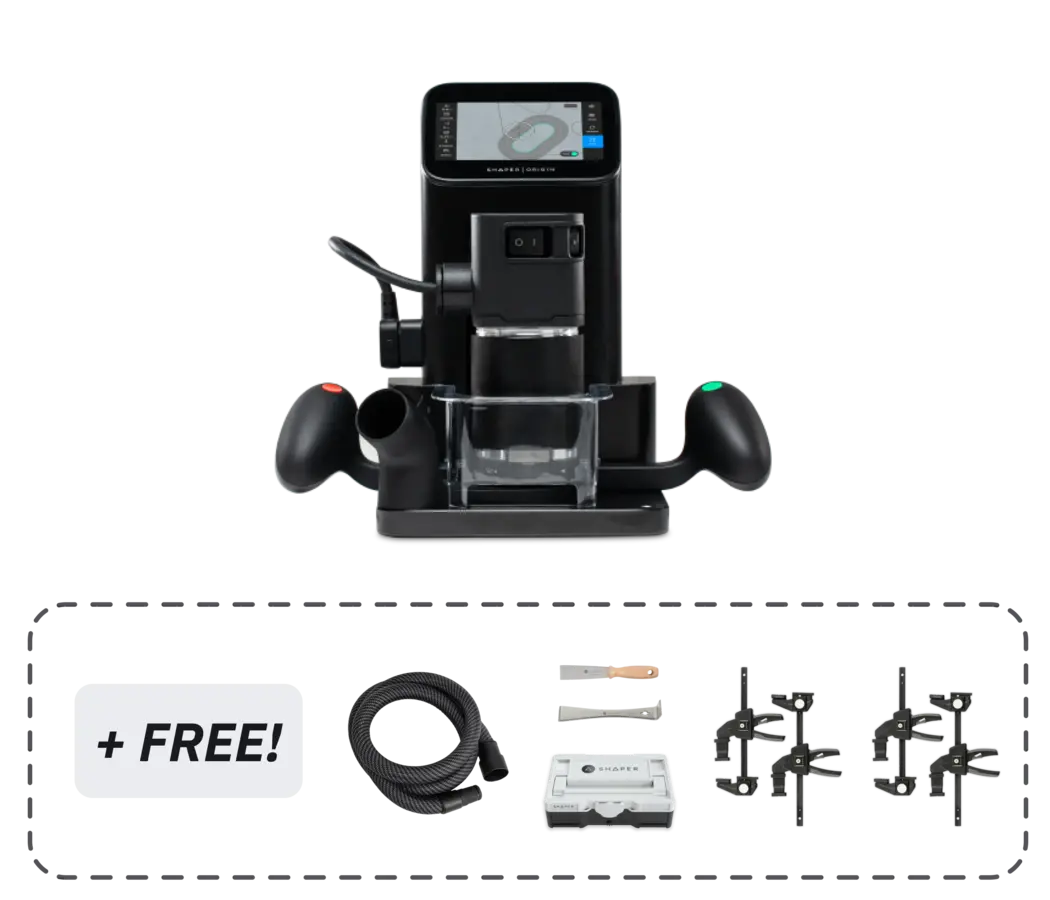
CNC routers & mills2 listed optionsCompare all cnc routers & mills →
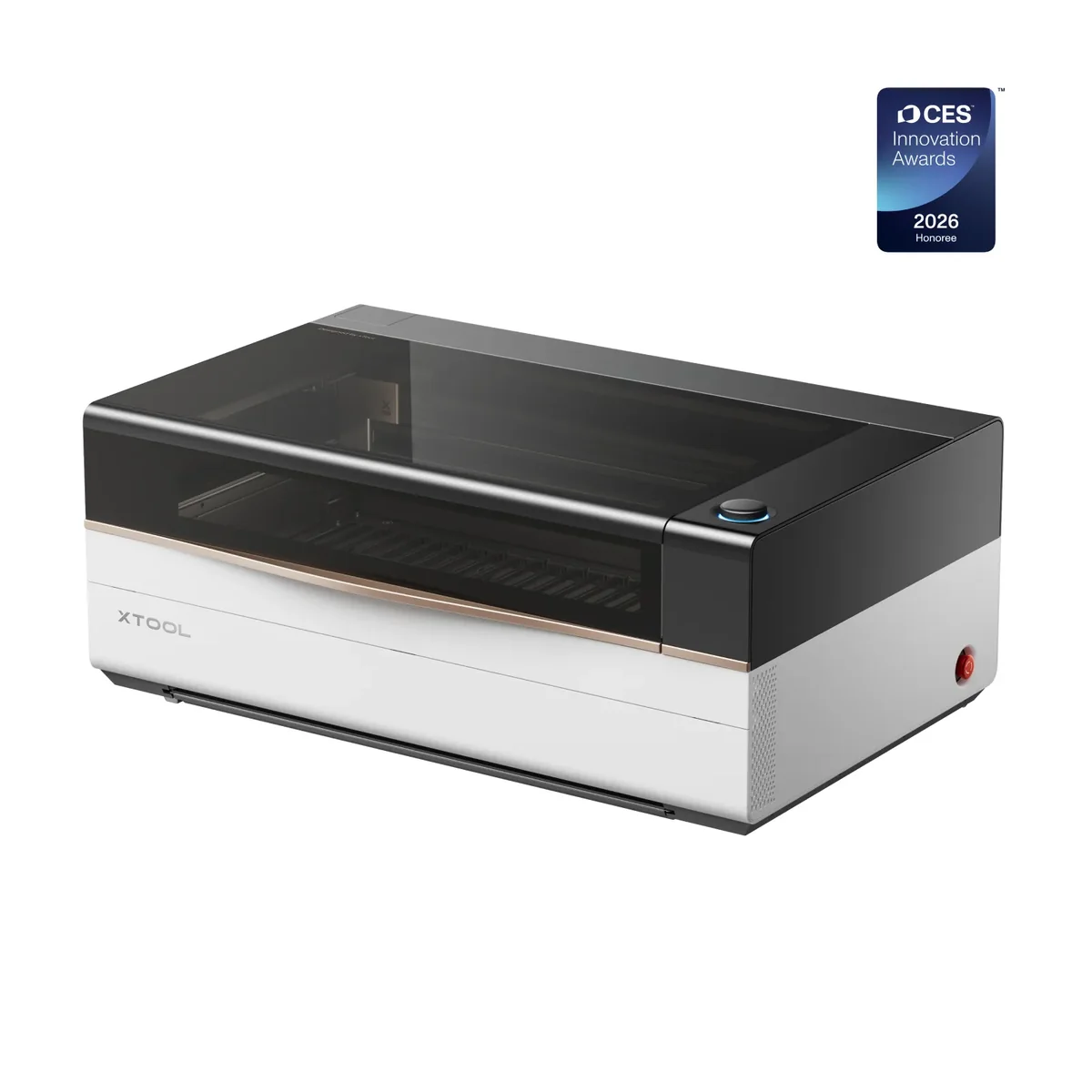
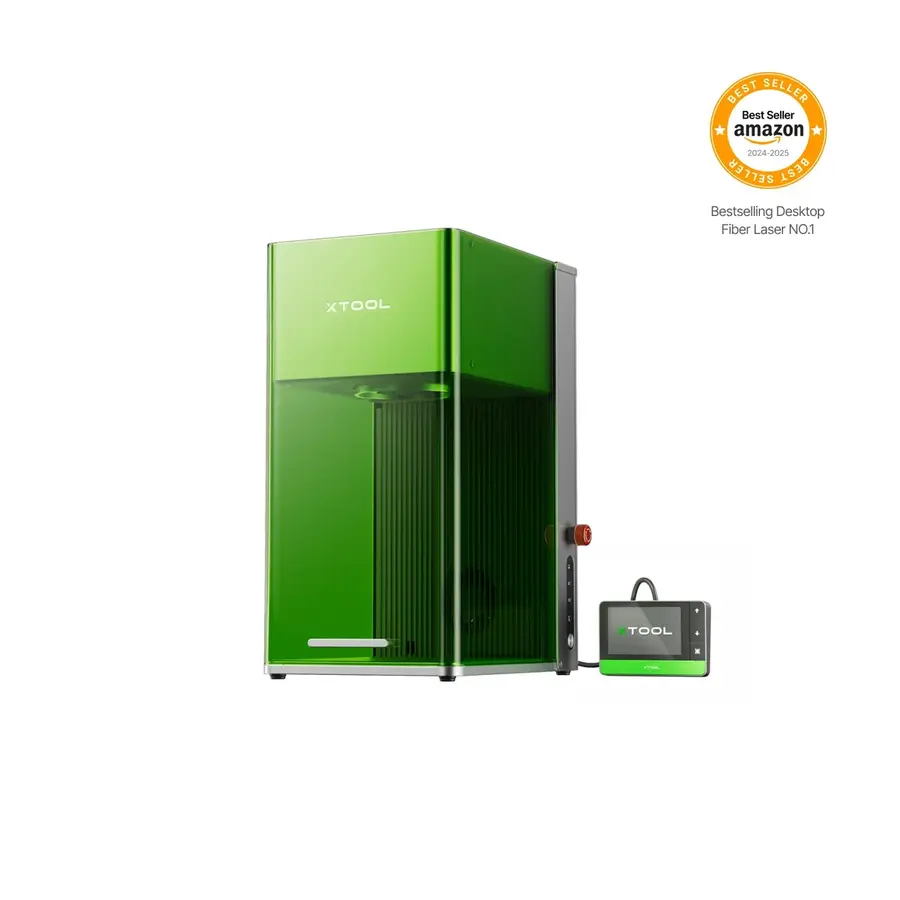
Laser cutters & engravers4 listed optionsCompare all laser cutters & engravers →
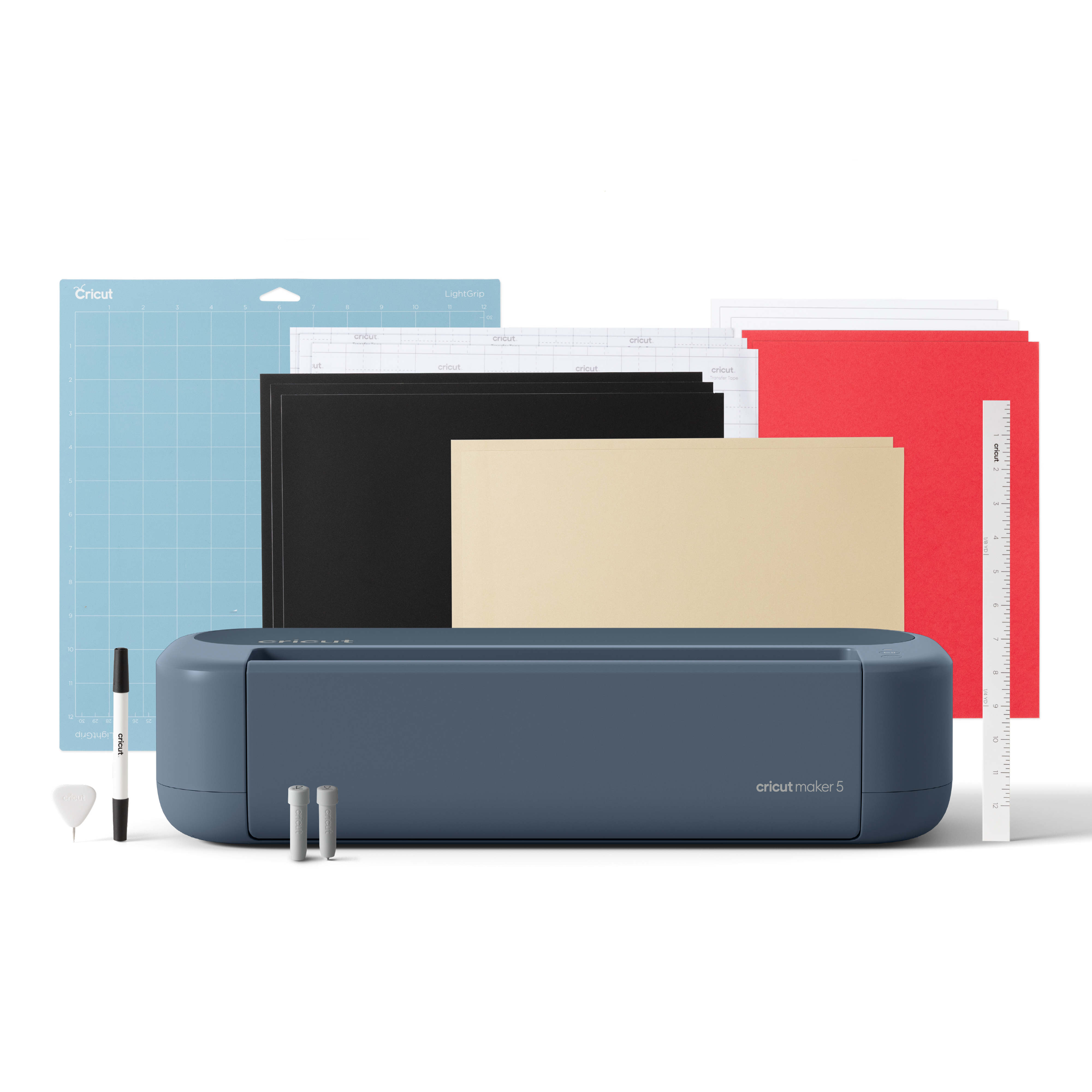
Vinyl & craft cutters1 listed optionsCompare all vinyl & craft cutters →
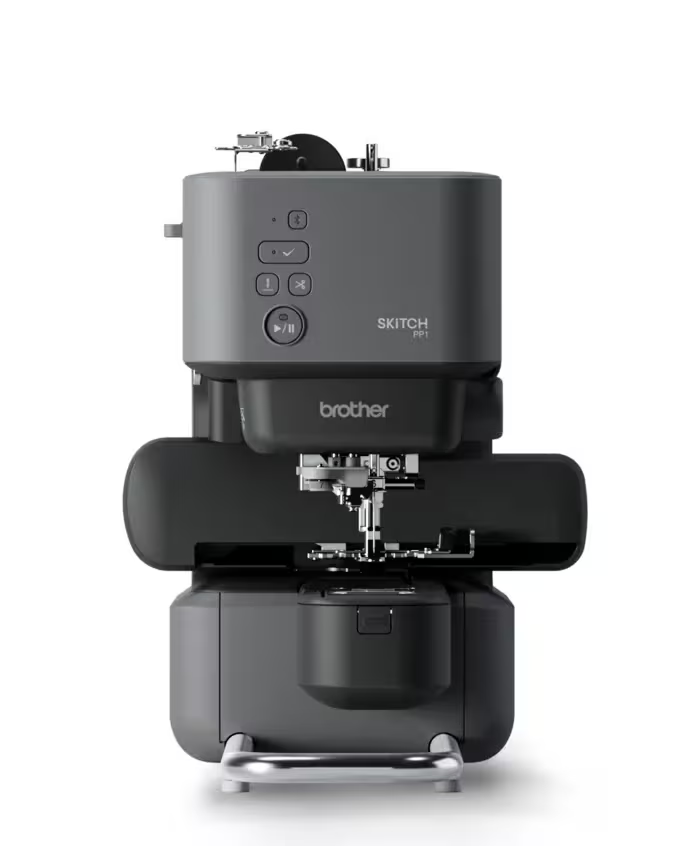
Sewing machines1 listed optionsCompare all sewing machines →
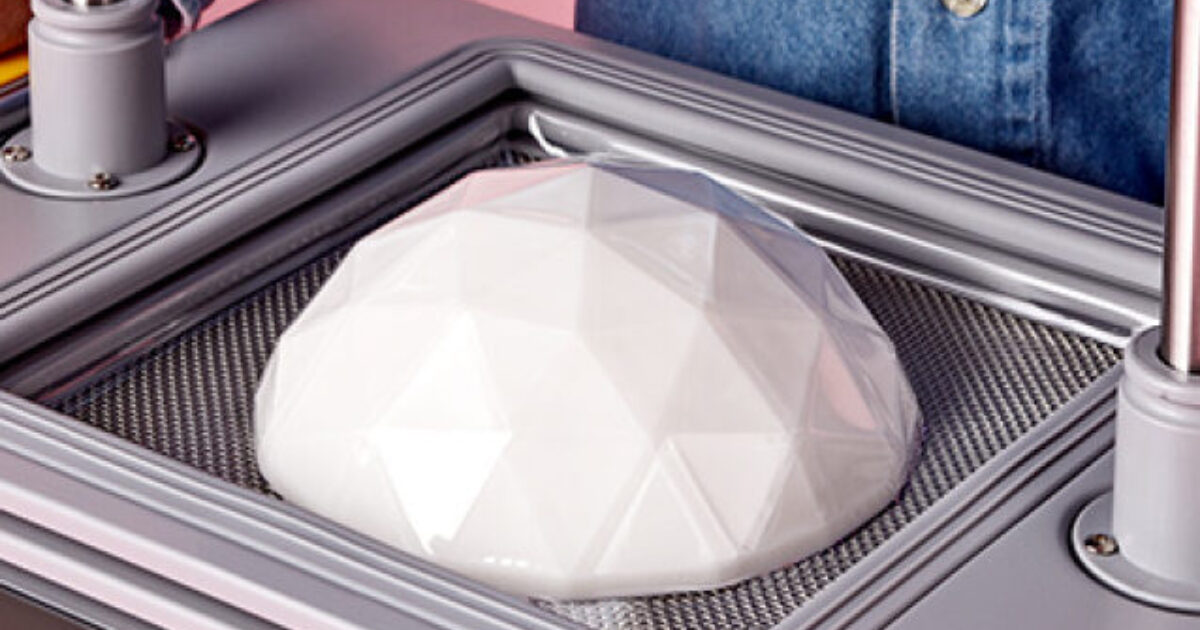
Vacuum forming & thermoforming1 listed optionsCompare all vacuum forming & thermoforming →
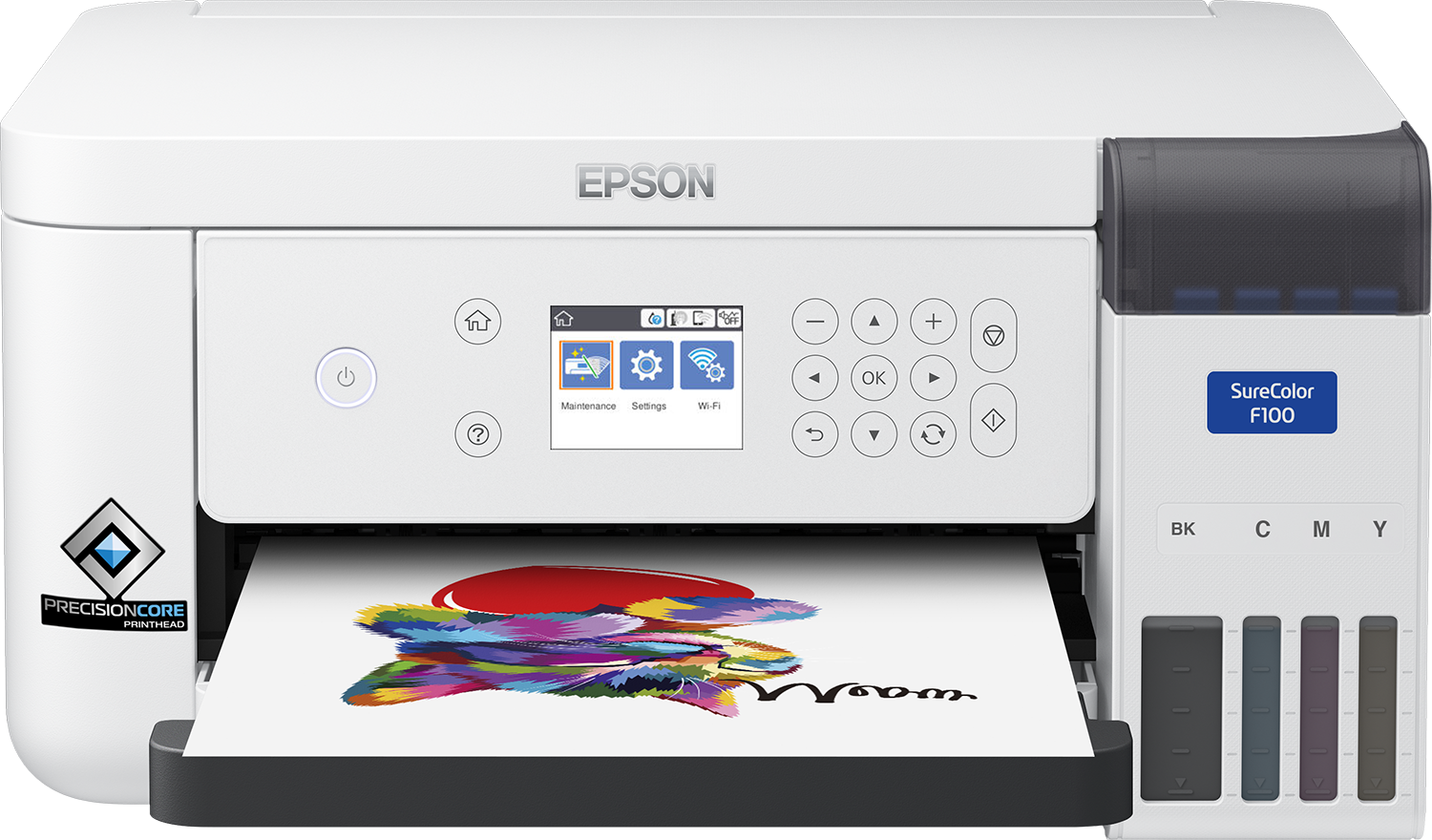
DTF apparel printers1 listed optionsCompare all dtf apparel printers →
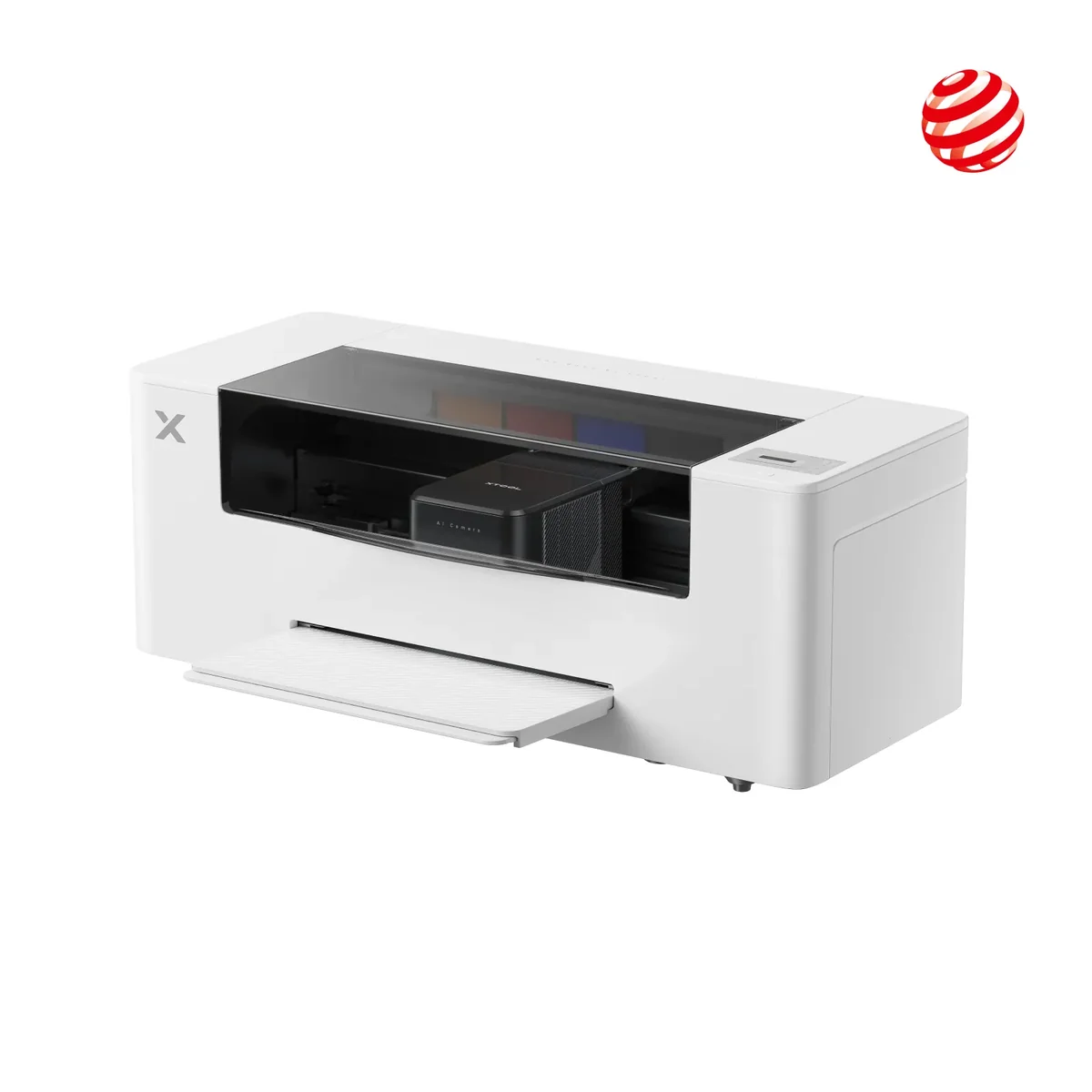
UV & direct-to-object printers1 listed optionsCompare all uv & direct-to-object printers →
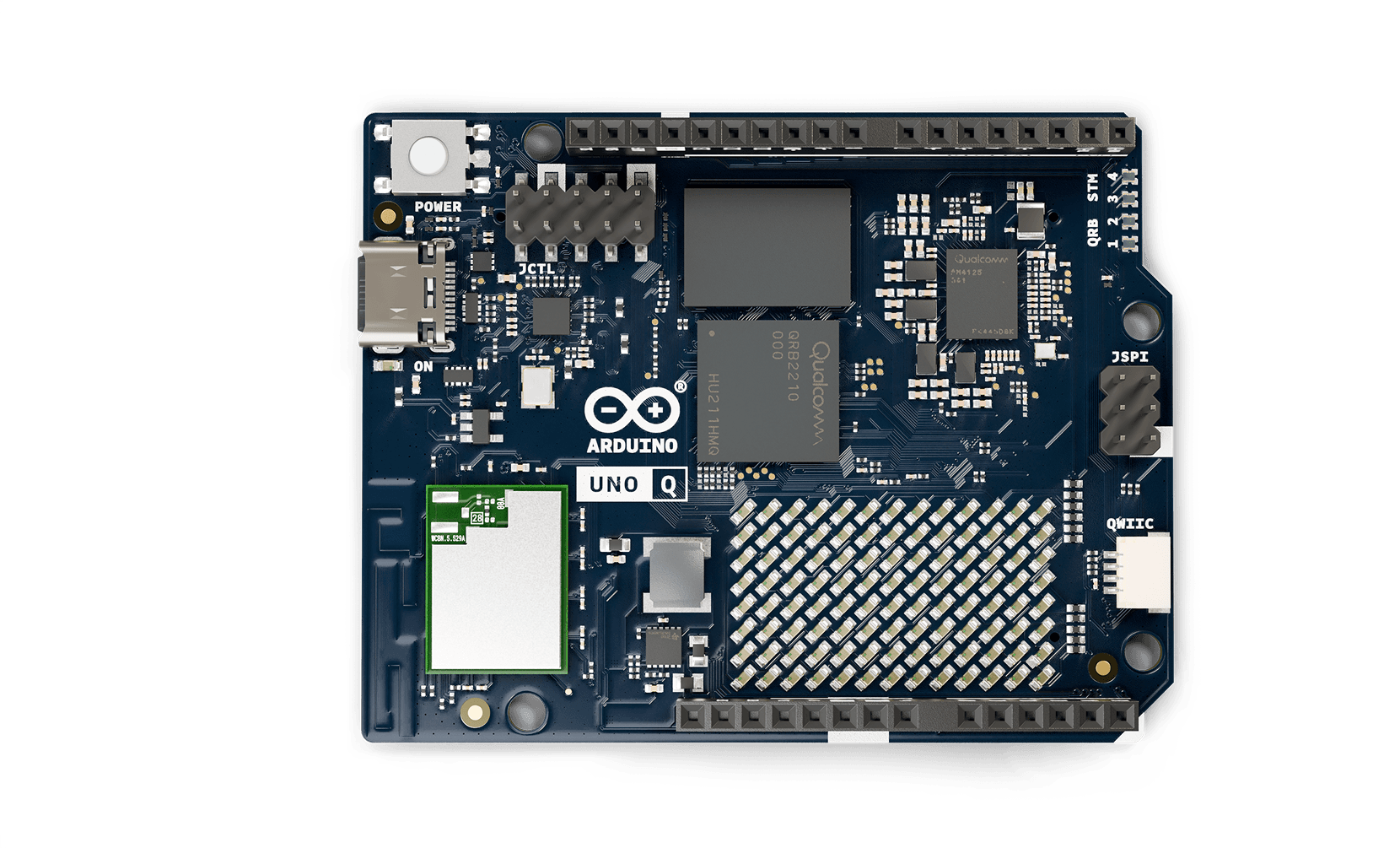
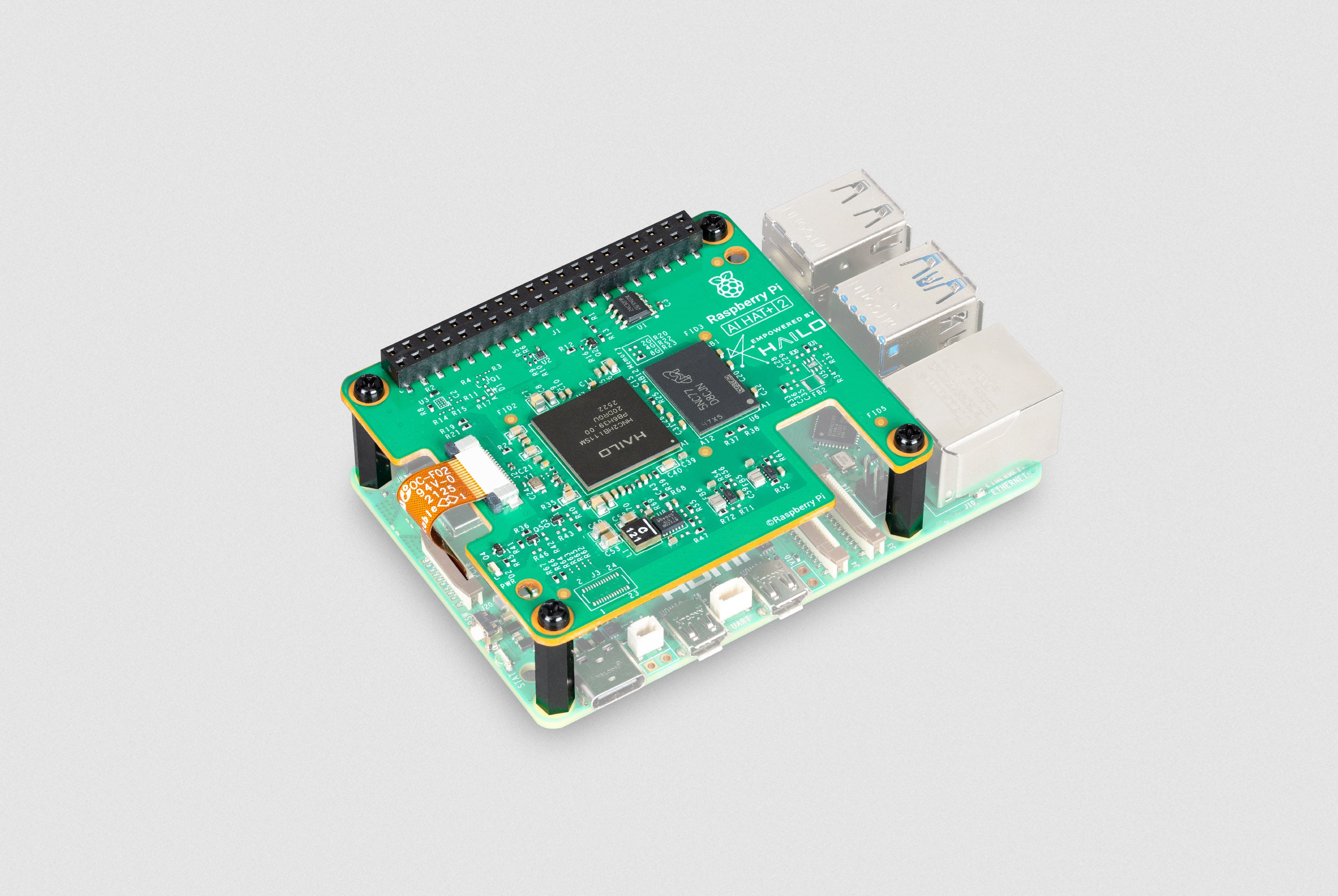
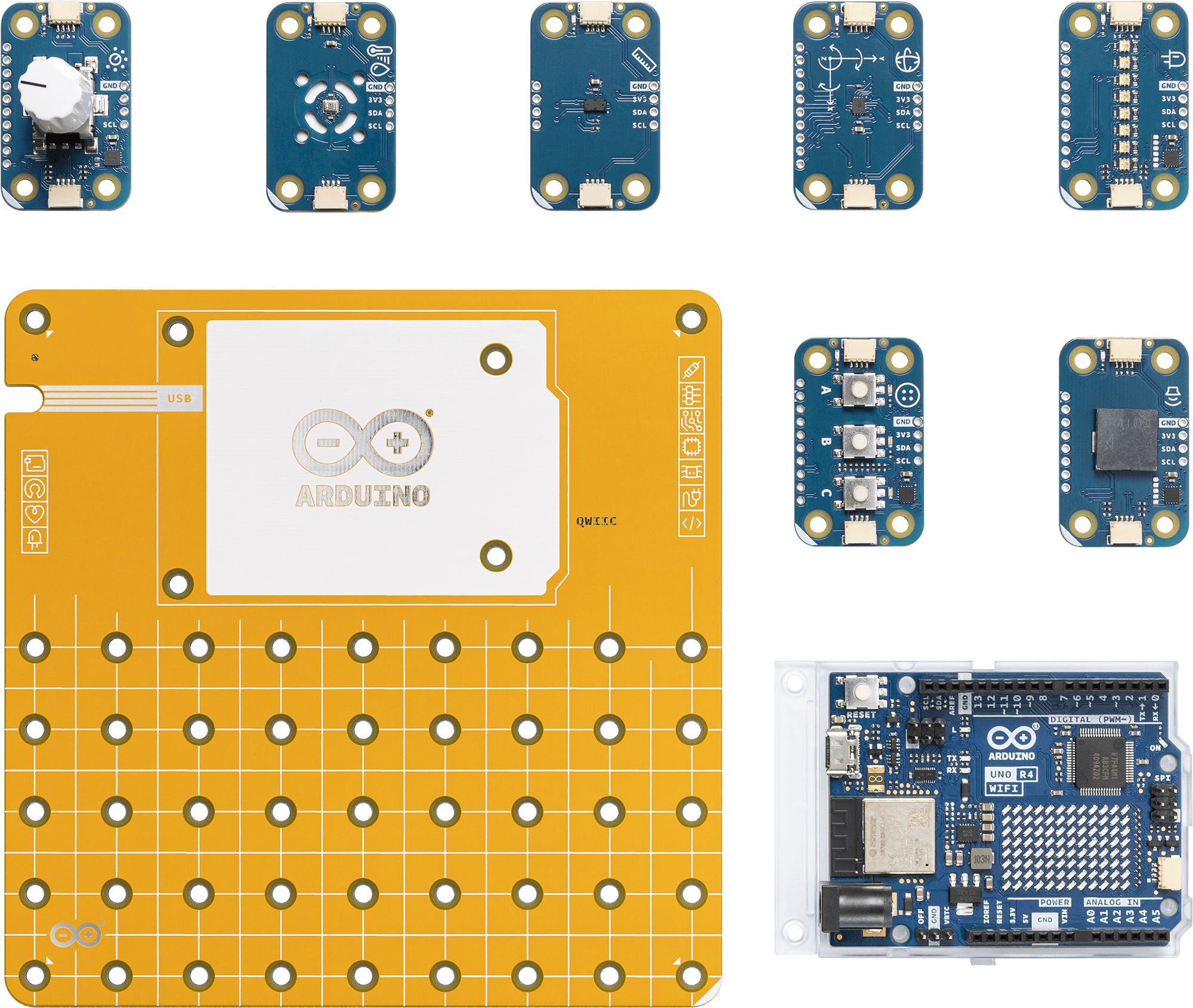
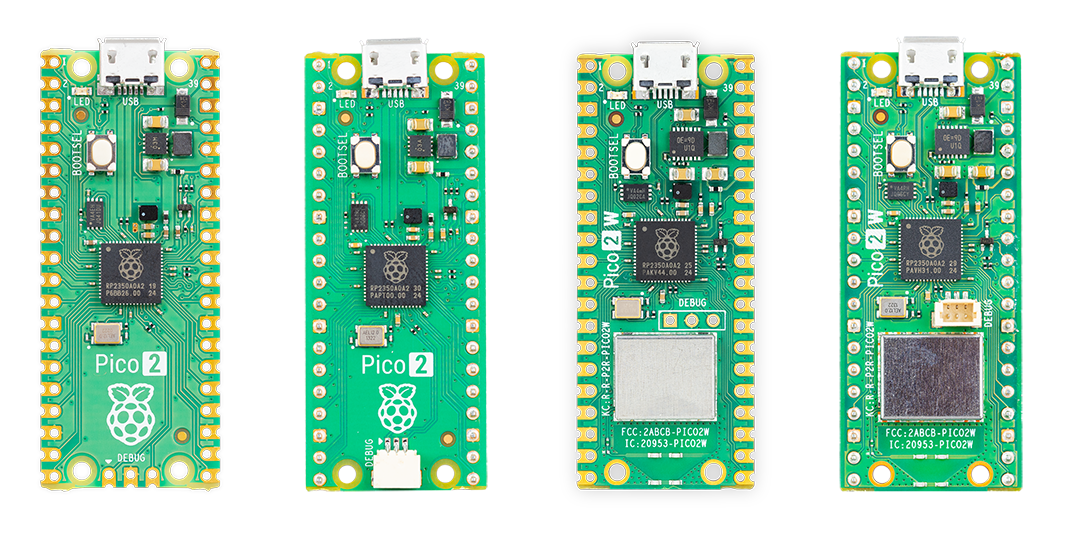
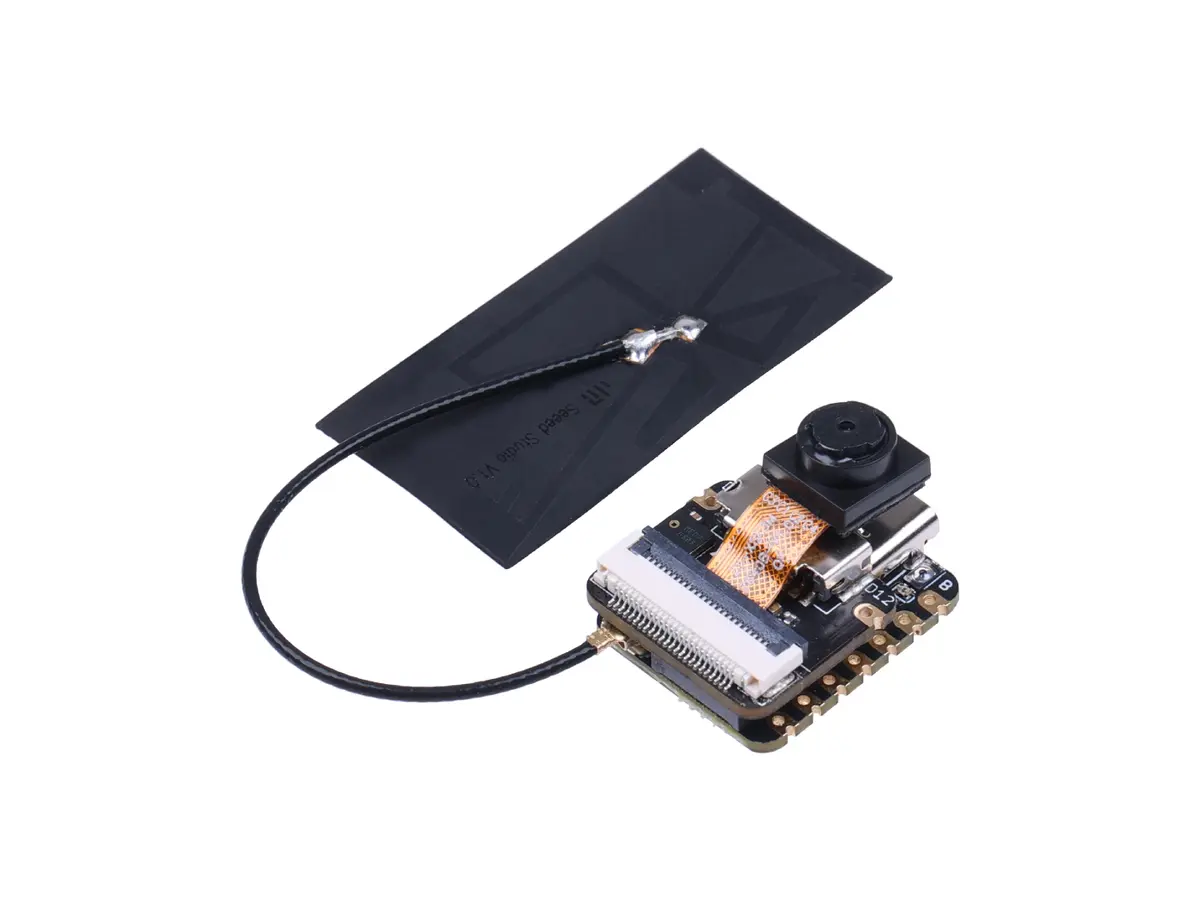
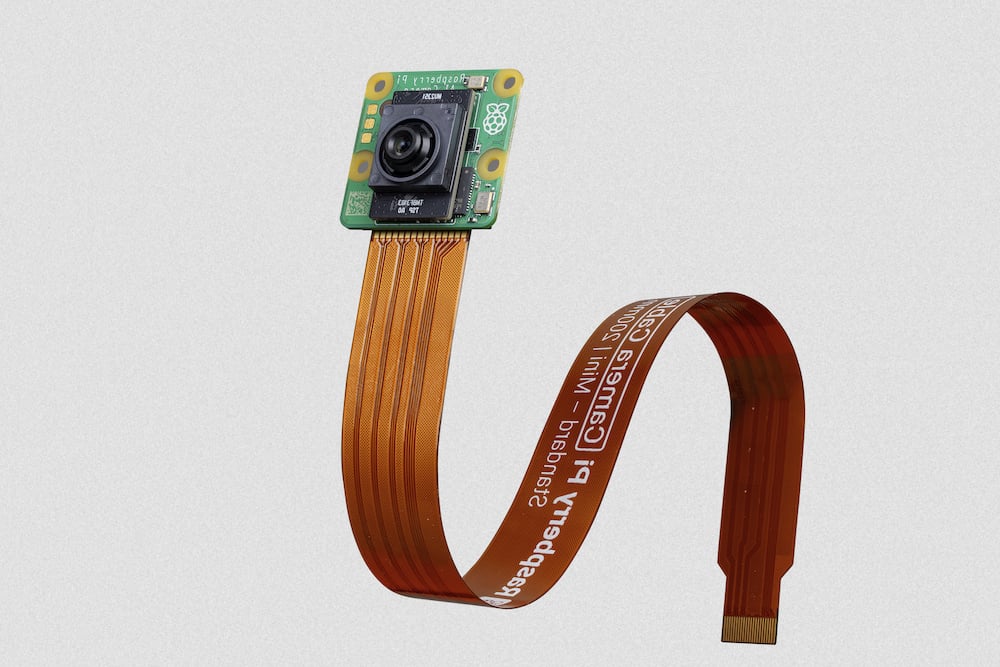
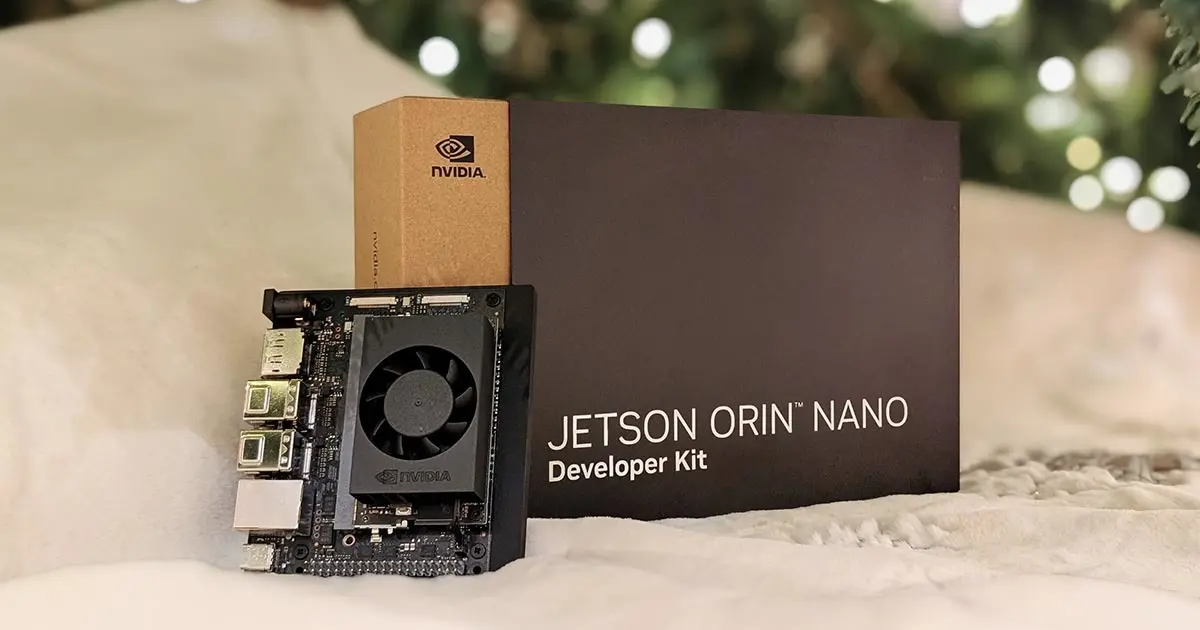
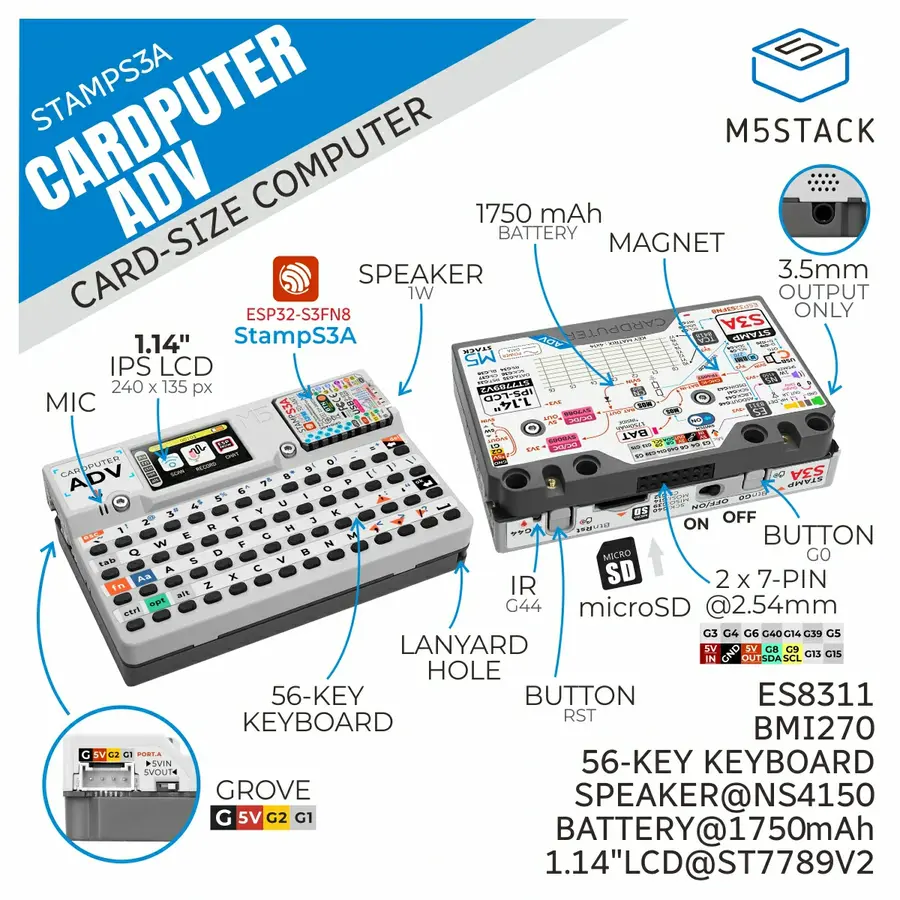
Development boards & edge AI9 listed optionsCompare all development boards & edge ai →
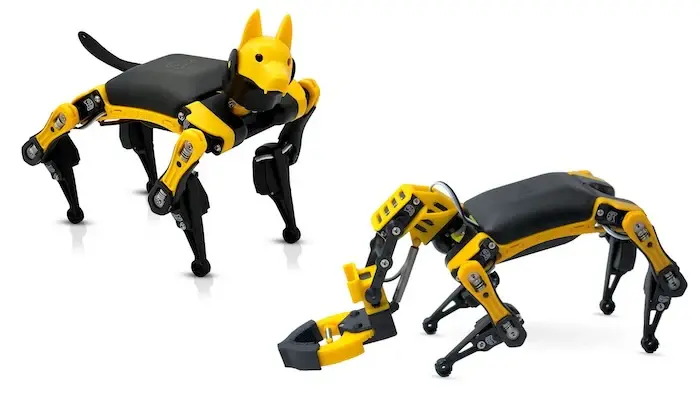
Robot arms & programmable robots2 listed optionsCompare all robot arms & programmable robots →
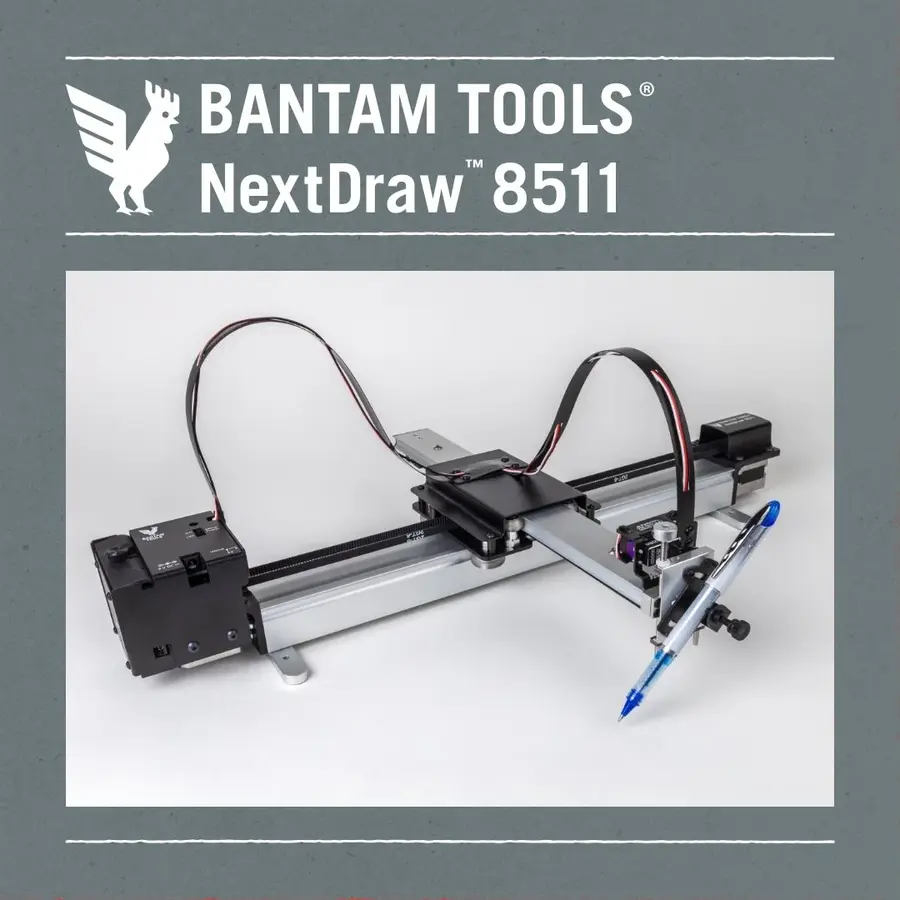
Pen plotters & drawing machines1 listed optionsCompare all pen plotters & drawing machines →
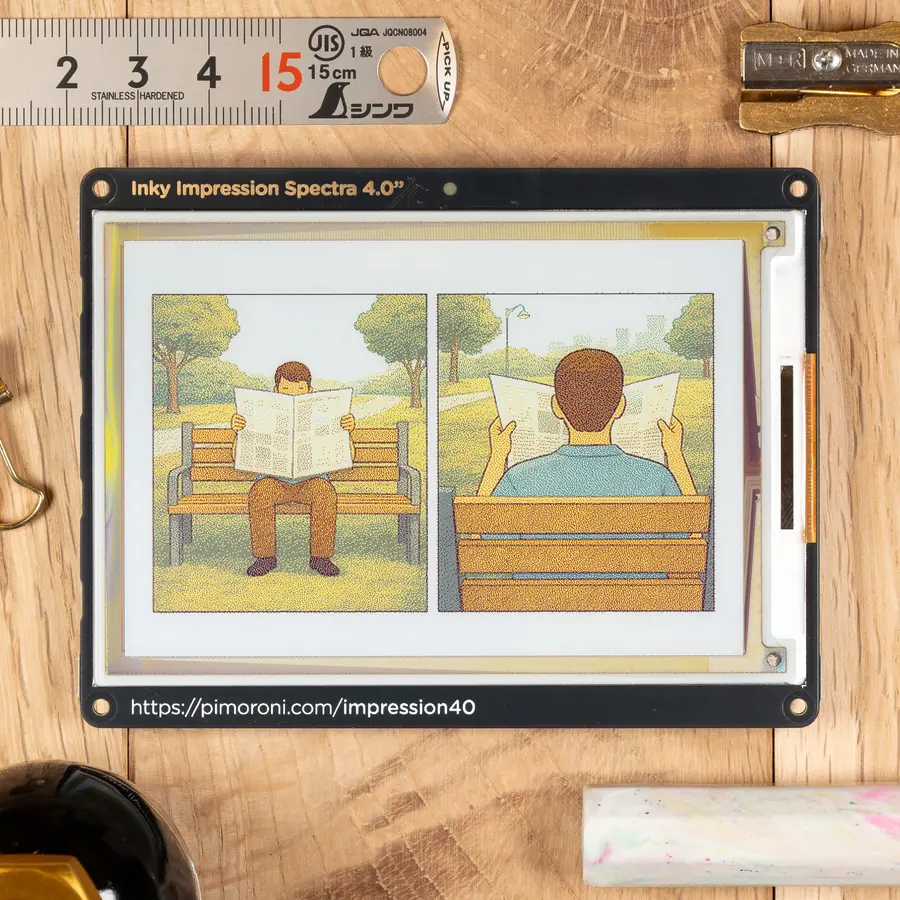
Displays & physical interfaces2 listed optionsCompare all displays & physical interfaces →
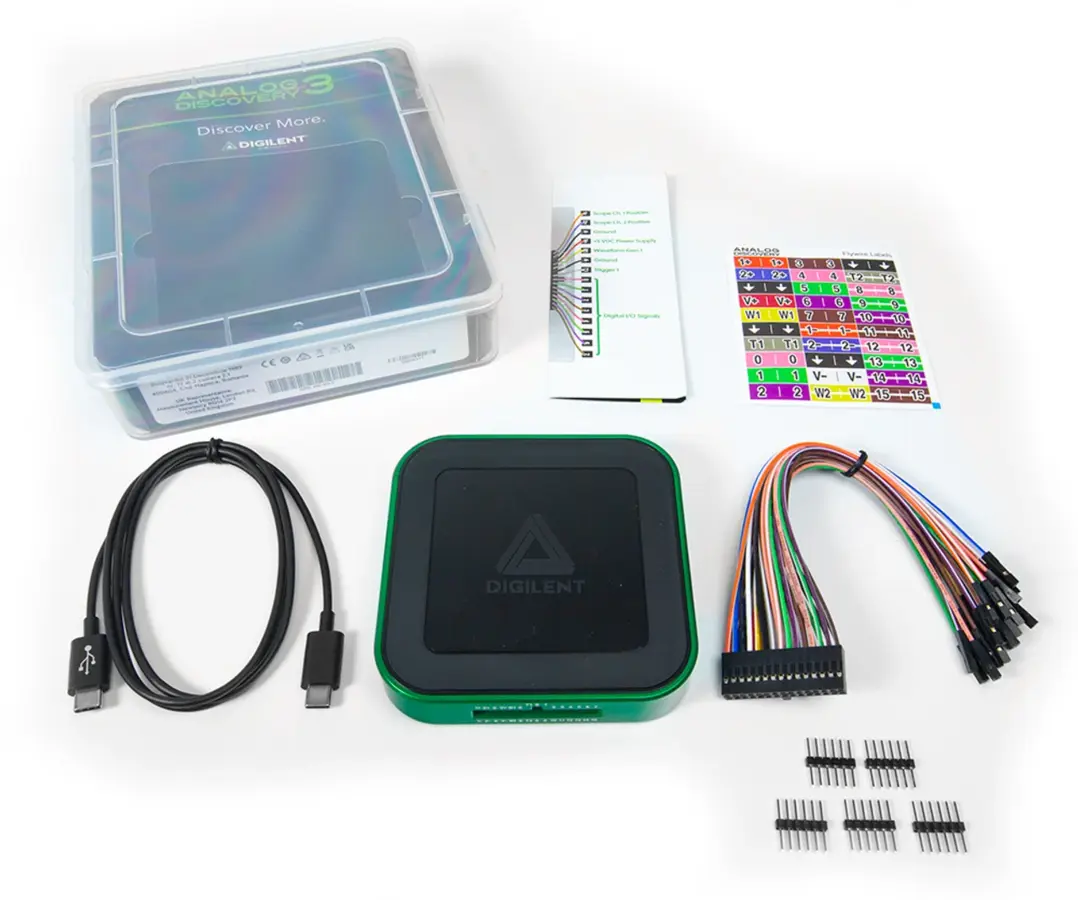
Oscilloscopes & logic analysers2 listed optionsCompare all oscilloscopes & logic analysers →
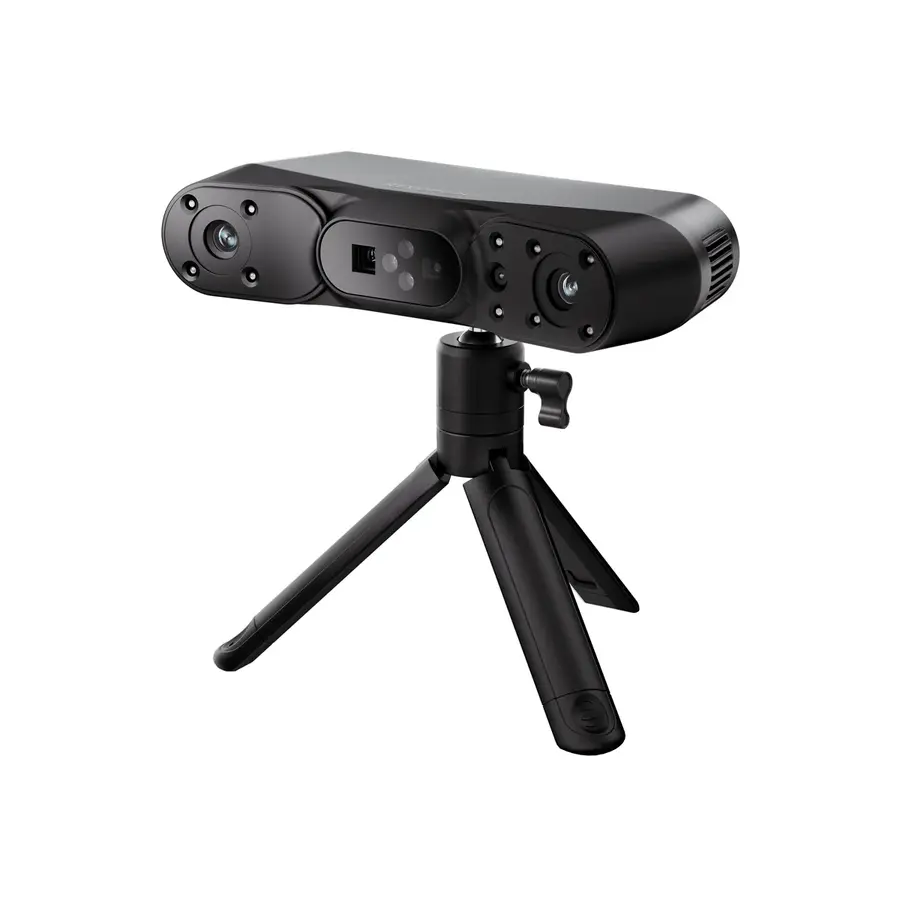
3D scanners & digitising2 listed optionsCompare all 3d scanners & digitising →
Mesh, sculpting & organic 3D2 listed optionsCompare all mesh, sculpting & organic 3d →
Vector graphics & 2D design1 listed optionsCompare all vector graphics & 2d design →
Firmware IDEs & toolchains2 listed optionsCompare all firmware ides & toolchains →
CAD & parametric modelling5 listed optionsCompare all cad & parametric modelling →
PCB & electronics design2 listed optionsCompare all pcb & electronics design →
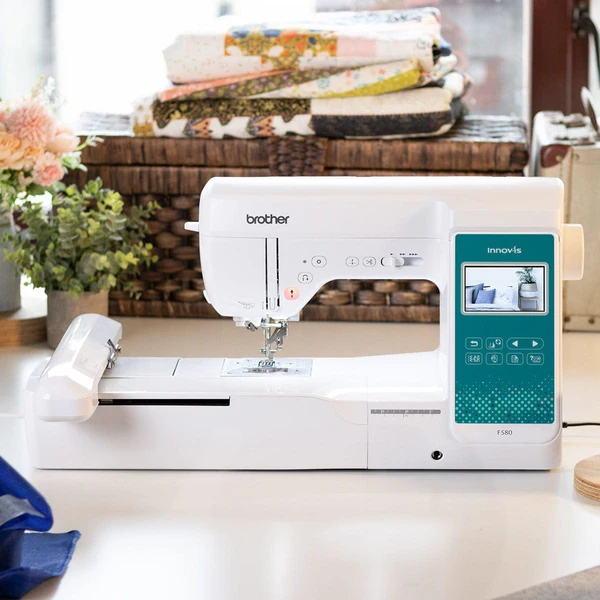
Embroidery machines1 listed optionsCompare all embroidery machines →
Laser, CNC & CAM software2 listed optionsCompare all laser, cnc & cam software →
Serial, flashing & device utilities1 listed optionsCompare all serial, flashing & device utilities →
DO YOU EVEN NEED TO BUY IT?

You may not need to buy the machine.

Compare owning, borrowing, makerspaces and fabrication services before paying for equipment you may only use occasionally.

Compare access routes →
THE FILE HAS TO REACH THE MACHINE

Software that prepares the file

CAD, vector, slicing and CAM tools turn a design into instructions the machine can use.

Browse CAD & modelling →
EXPAND WHAT YOU CAN BUILD

Think beyond a single machine.

A useful object can combine processes. Compare routes to the result before choosing what to own.

01One object, several ways to make itShould this part be printed, cut from sheet, machined or assembled from standard parts?

Starting pointBring a sketch with dimensions, material needs and the intended use.

Try itChoose two plausible processes for a small enclosure or bracket. Adapt the design to each process and compare a sample or service quote using the same required fit and finish.

Make something you can reviewTwo process-specific designs and a comparison of time, total cost, fit and finish.

Judge the resultInclude preparation, supports or fixtures, finishing, failed parts and access costs. A cheaper machine does not automatically make the cheaper part.

Compare access and alternatives →


02Make processes work togetherCould a printed jig, a cut panel and standard fasteners solve the job better together?

Starting pointKnow the dimensions and interfaces between the parts you want to join.

Try itPrototype the joining detail first: hole spacing, alignment and assembly access. Use a small coupon to test the interface before making the full assembly.

Make something you can reviewAn assembly sketch, interface dimensions and a tested joining sample.

Judge the resultCan you assemble, adjust and take it apart with the tools available? Check process guidance for material and orientation limits.

Read Prusa’s design guidance →
03From one good part to repeatable resultsCan you make five parts that fit the same way?

Starting pointHave one working prototype and a way to measure the important dimensions.

Try itIdentify the few dimensions that control fit. Make a small batch using recorded settings, measure each result and change one variable if they differ.

Make something you can reviewA settings record, measurements and a clear accept/rework decision.

Judge the resultDistinguish a machine specification from your measured process. Consider consumables, setup, servicing and inspection time.

Explore measurement equipment →

Find new developments and people building things.

Explore these sources, then use the ideas board to propose what is missing, develop a completion route or share a documented result. A source listing is not a CAIBI assessment of everything it publishes.

  • Find electronics, wearables and creative making guides. Useful foundations for an AI-assisted adaptation.

  • Seeed Studio ↗Hardware developments

    Explore boards, sensors and edge-AI hardware, then follow the product documentation for compatibility.

  • Printables ↗Physical design inspiration

    Find printable designs and maker reports. Check each model's licence, dimensions and evidence before adapting it.

Source links checked 16 September 2026.

Explore ideas to develop → · Found a build, useful source or something we missed? Send it to CAIBI →