Laser workflow
Reviewers consistently rate the enclosed laser, camera positioning and built-in air assist as a strong current desktop workflow.


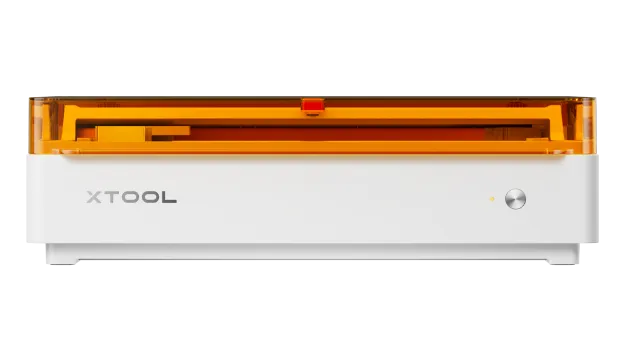
Current enclosed diode laser platform combining laser cutting and engraving with optional CMYK printing in the same workspace.
Reviewers consistently rate the enclosed laser, camera positioning and built-in air assist as a strong current desktop workflow.
The optional print module creates useful mixed-media work, but it is not included in the headline base price and print-and-cut is not a one-click process.
The dual-camera system is repeatedly identified as a meaningful improvement over the outgoing M1 Ultra workflow.
The base machine is attractively priced, but printing, filtration and rotary accessories can push a complete setup much higher.
The diode platform is versatile for wood, card, fabric and many coated materials but still cannot cut clear acrylic like CO2.
Reviewers are broadly aligned on the laser hardware. The biggest variation is whether the colour-print module feels like a transformative workflow or a useful but optional extra.
Found the M2 highly capable, easy to set up and strong value, praising the dual cameras, built-in air assist and modular laser/print workflow while noting a few safety and bed-layout niggles.
Read review ↗Maker HacksHands-on use found the laser side strong and the camera workflow a major upgrade, but stressed that print-and-cut remains a multi-step process and that the UK package costs more than the US headline suggests.
Read review ↗Silhouette SchoolFocused on the real bundle cost, pointing out that the base price excludes colour printing and that filtration and rotary work can materially change total ownership cost.
Read review ↗GeekDadEarly small-business testing found setup approachable and the print/laser combination genuinely useful, while confirming the diode material limits and a learning curve in xTool Studio.
Read review ↗