01 / AVIATIONOpen docs ↗
OpenSky Network
Live and historical aircraft state data for position, altitude and movement projects.
- Access
- REST API · account/rate limits apply
- Build idea
- Aircraft tracker


Weather on your desk. Arrivals by the door. A signal when something changes. Find the data, make it reliable, then give it a physical form.
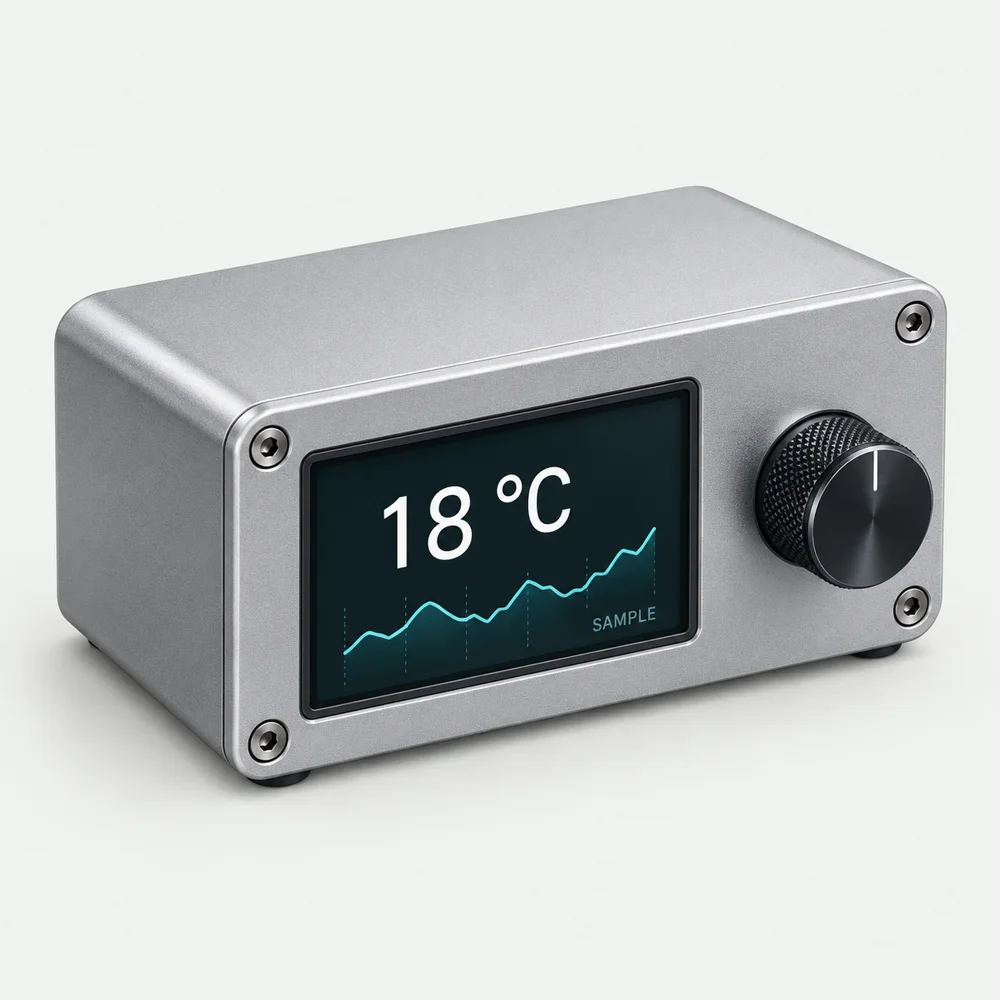
An API gives your project information. Start with an outcome, then choose a source.
A desk display for forecasts or air-quality readings.
Explore weather data →Arrivals and service updates in a purpose-built enclosure.
Explore transport data →Turn carbon-intensity data into a display or indicator.
Explore energy data →Build ideas. Source coverage, hardware and implementation need checking for your project.
Check coverage, update frequency and access before committing to a source.
12 sources
Clear filtersLive and historical aircraft state data for position, altitude and movement projects.
Forecast, historical and environmental weather data with useful no-key routes.
Astronomy, imagery and public space datasets including APOD and near-earth-object data.
Authoritative small-body, orbit and solar-system data suitable for astronomy indicators.
London lines, arrivals, disruptions and transport-network data.
Global air-quality observations for particulate and pollutant-driven physical indicators.
Competitions, teams, matches and tables for scoreboards, lamps and match-day objects.
Official UK bank-holiday dates by nation in a simple public JSON feed.
Near-real-time flood warnings, river levels, flows and monitoring-station data for England.
Crime and outcome records for England, Wales and Northern Ireland, plus neighbourhood policing information.
Community-maintained EV charging locations, operators and connection metadata.
Official Great Britain current, forecast and regional electricity carbon-intensity data.
No matching sources. Try another search or clear the filters.
The directory links to services. It does not connect them for you or supply an API key.
An API lets your program request information in a defined format. The endpoint is the address you request; the response contains fields such as a value, its unit and a timestamp. Start with the provider's example response before choosing a screen or writing firmware.
You need internet access for a live online source, code that understands the response, and an output such as a display or printer. The browser exercises use sample data; completing them does not connect a live service.
Check location, update frequency, units, time zone, missing readings and permitted use. A national feed may not cover your station or street. A forecast is not an observation. Decide how old a reading may be before your device labels it stale.
Open the provider's terms for attribution and redistribution requirements. Free access does not mean unlimited use.
A key identifies a caller and may allow billable requests. Follow the provider's instructions: a private server key should not be published in browser code or an open repository. A server-side service can keep that key while returning only the data your device needs.
Device firmware is not a guaranteed secret store. For a first experiment, a suitable no-key source can avoid this extra setup.
Browsers enforce cross-origin rules called CORS. The API must permit your web page to read its response. This differs from a request made by a server or microcontroller; it does not remove authentication or usage limits.
Use a request timeout and a bounded retry policy. HTTP 429 means too many requests; respect the provider's limit and any Retry-After instruction. Keep the last reading with its timestamp, or show unavailable if you have no valid reading. Never silently turn a missing value into zero.
First parse a saved response. Then make one permitted live request and check the units and timestamp. Add stale-data and failure behaviour before connecting the output. Finally test power loss, network loss and restart behaviour on the actual device.
Choose the physical output around the information: a screen for changing detail, a printed brief for a snapshot, or an indicator for one clearly defined state.
Follow the four-stage route →Work through four stages. Each adds something your finished display needs.
Parse a response. Check its type, units and range.
A usable reading →02Track when it arrived. Show when it is out of date.
A freshness check →03Handle missing values and failed requests without crashing.
A resilient adapter →04Choose an output and follow the source-guided printer handoff.
A hardware handoff →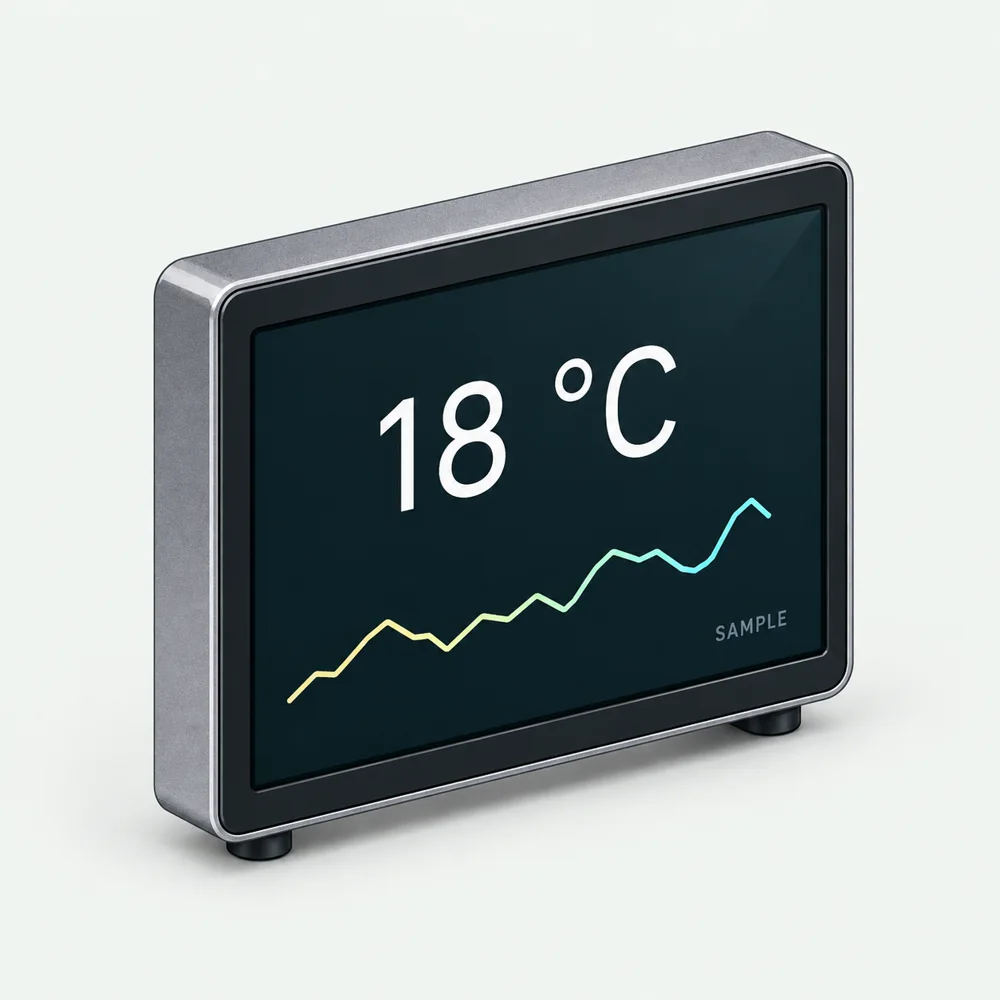
The Morning Thermal Printer is an assessed project that turns weather and calendar information into a printed daily briefing. Explore its requirements, then plan your own source and output.
Illustration: display concept, not a photograph of the printer.Choose where information comes from, where decisions happen and what the physical output should do when the world is imperfect.
Starting pointDefine the location, units, update interval and acceptable delay.
Try itUse sample inputs to compare a remote feed with a local observation. Decide which one answers the actual question and what to show when either is missing.
Make something you can reviewA source map and freshness rules for each input.
Judge the resultA forecast and a sensor measure different things. Check placement, calibration, timestamps and units before combining readings.
Explore a sensor calibration example →Starting pointIdentify what must keep working without internet access.
Try itSketch device → data → decision → output. Compare a local rule with a server-assisted version. Prototype with a display or log and test disconnection before allowing actions.
Make something you can reviewAn architecture sketch, dependency list and offline behaviour.
Judge the resultConsider memory, latency, maintenance, network access and keys. HTTP requests, MQTT messaging and device APIs need different setup; choose for the job.
Explore ESPHome’s device API →Starting pointKnow who uses the information and when they need it.
Try itMock two outputs from the same saved data. Ask someone to act on them. Add delayed, contradictory and unavailable cases; use a log before triggering a mechanism.
Make something you can reviewAn output comparison and a clear rule for when to notify, update or do nothing.
Judge the resultMeasure comprehension and unwanted interruptions. If AI interprets messy input, validate its structured result before it reaches device logic.
Explore a physical briefing project →Explore these sources, then bring back an idea or a documented result. A source listing is not a CAIBI assessment of everything it publishes.
Explore boards, sensors and edge-AI hardware, then follow the product documentation for compatibility.
Seeed Studio on X ↗Explore training and deploying models on devices. AI inference is a different role from AI helping design the build.
Edge Impulse on X ↗Source links checked 16 September 2026.
Found a build, useful source or something we missed? Send it to CAIBI →