RECENTLY CHECKED
All projects →
AI TOOLS / PHYSICAL MAKING

From an idea
to a working build.

Plan the build. Change the code. Design the part. Find AI tools for each job, and know what you still need to make and test.

38 tools · 6 kinds of work · Original sources
SmartKnob, an open haptic control knob
FROM CODE TO SOMETHING YOU CAN FEELSmartKnob

AI can help with the firmware. You still assemble, calibrate and test the hardware.

Explore the build →

Choose the job. Find the right help.

Start with the output your build needs.

Illustrations show learning concepts, not tested builds or tool outputs.

BEFORE YOU CHOOSE

Choose how you want to work.

A chat assistant, an agent and a local model solve different parts of the job.

Ask and understand

Use a hosted assistant such as ChatGPT or Claude to discuss a design, explain a datasheet or review a small code sample.

You need

A clear question and the relevant source. Check the answer against that source before building.

Compare research tools →

Work in your project

An agent can read files, edit code and run tools within its permissions. Installing the agent on your laptop does not mean its model runs there.

You need

A saved working version, an exact target and a test command. Review changes before flashing or publishing.

Compare coding tools →

Run the model yourself

A local runtime loads a compatible model onto your computer. You choose the model, memory budget and connections.

You need

A suitable computer and time to test quality and speed on your actual task.

Check local AI requirements →
WIDEN YOUR OPTIONS

Explore other model families.

DeepSeek, Qwen, Kimi and GLM come from Chinese developers and deserve consideration alongside the tools below. Country of origin does not tell you where a service processes your data, whether weights are available, or what fits your computer. Compare the exact model and provider.

DeepSeekReasoning, code and smaller distilled models

Routes: hosted chat and API, plus published weights. The R1 release includes smaller distilled Qwen- and Llama-based models; these are different models from the full R1 and the current hosted service.

Explore: compare explanations of a known firmware fault. Thinking and tool support depend on the selected version and API mode. Check the model card and underlying licence for a distillation.

Current API options ↗ · R1 weights and distillations ↗
Qwen · AlibabaA range of sizes and specialist capabilities

Routes: hosted models through Alibaba Cloud Model Studio and downloadable releases. The family spans different text, coding and multimodal options; a family name alone does not specify image, audio or tool support.

Explore: try a smaller compatible model on a fixed data-extraction task, then compare a larger hosted option. Qwen3 open weights use Apache 2.0; verify the exact release licence and service terms rather than applying that to every Qwen product.

Hosted model catalogue ↗ · Qwen3 sizes and licence ↗ · Later Qwen releases ↗
Kimi · Moonshot AIProject work, coding and multimodal models

Routes: Kimi assistant, API, Kimi Code and published model weights are distinct ways in. Kimi Code is a coding product, not the name of every Kimi model.

Explore: request one tested change in a small repository. Check which model and tools the product actually uses. Downloadable large mixture-of-experts models can require substantial infrastructure; open weights do not imply laptop suitability.

Kimi assistant, API and research ↗ · Kimi Code setup ↗ · Example coding model card ↗
GLM · Z.aiCoding, agents and specialist model choices

Routes: hosted API options and published weights. Z.ai lists text, vision and other specialist models; these capabilities are not interchangeable across the GLM family.

Explore: compare code changes or, with a vision-capable version, extract a reading from your own display image. Inspect model size and deployment instructions: “Flash” or a low active-parameter count is not a RAM requirement.

Hosted capabilities ↗ · Published GLM models ↗ · Example multimodal model card ↗

Representative exploration guides, not rankings or a complete model catalogue. Official sources checked 9 September 2026. Suggested experiments are CAIBI guidance; these models have not been comparatively benchmarked by CAIBI.

38 tools

Capabilities checked against official sources on 6 September 2026. The starting tasks and checks below are CAIBI guidance, not comparative test results. Follow each source for current plans and supported features.

01

Research & planning

Understand the source material, compare routes and identify what you still need to find out.

5 tools to compare
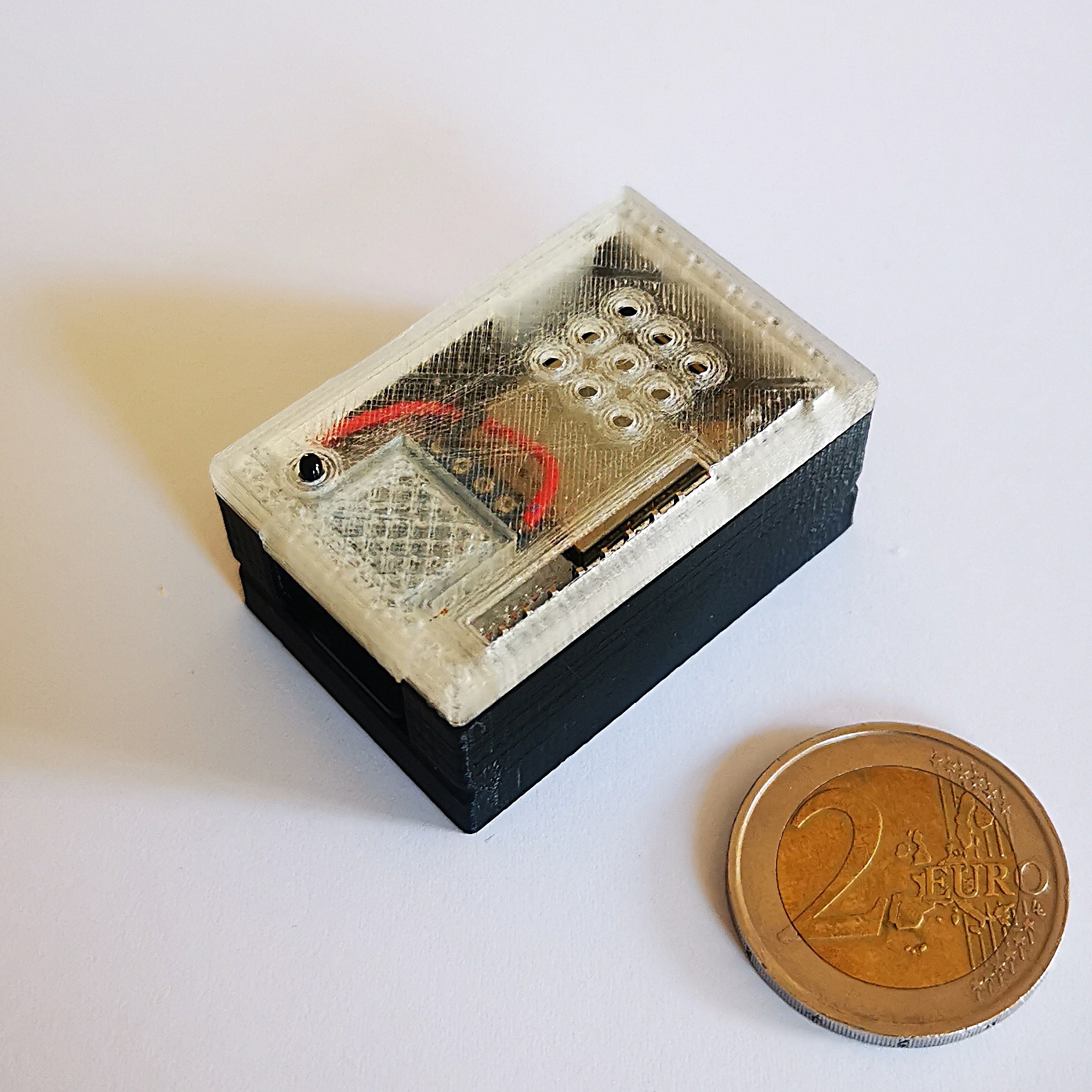
AI-on-the-edge-device
Build example: AI-on-the-edge-device →
Project context, not a tool endorsement.

ChatGPT

Official source ↗ for ChatGPT

A conversational starting point for understanding a build, comparing approaches and working through calculations or code.

Give it
A source guide, exact parts, your equipment and the decision you need to make.
Get back
A build brief, comparison, calculation or draft code to inspect.
Starting task, checks & access with ChatGPT

Try this first

Ask it to extract prerequisites and unanswered questions from the original build guide before proposing changes.

Check before relying on it

Ask for sources and check them. A plausible part number, dimension or explanation is not physical verification.

Access and setup

Browser or app; features and usage limits depend on the account.

Keep your sources and results in build notes →

Claude

Official source ↗ for Claude

An alternative for reasoning through documentation, analysing files and explaining a project or its code.

Give it
Build documentation, datasheets, logs and a focused question.
Get back
An explanation, structured plan or proposed change with assumptions exposed.
Starting task, checks & access with Claude

Try this first

Provide the actual source files and ask which information is missing before creating a bill of materials.

Check before relying on it

Check quoted specifications against the supplied documents. Chat assistance and repository-editing agents are different workflows.

Access and setup

Browser or app; available features vary by plan.

Keep your sources and results in build notes →

Gemini

Official source ↗ for Gemini

Multimodal assistance for exploring ideas, understanding supplied material and researching a topic through Google’s AI tools.

Give it
A question, documents or images relevant to your build.
Get back
Research notes, explanations and draft code or design ideas.
Starting task, checks & access with Gemini

Try this first

Compare two documented approaches to a desk display, keeping power, connectivity and enclosure requirements separate.

Check before relying on it

Images do not establish accurate dimensions. Check research citations and current component documentation.

Access and setup

Google account; capabilities and limits vary by plan and region.

Keep your sources and results in build notes →

Perplexity

Official source ↗ for Perplexity

A source-oriented way to find documentation, alternatives and technical discussions before assessing a build.

Give it
A precise question with model names, versions and source requirements.
Get back
An answer with links you can inspect and retain.
Starting task, checks & access with Perplexity

Try this first

Search for the exact board revision and its official documentation, then separate manufacturer sources from forum reports.

Check before relying on it

A citation can be relevant without supporting the claim beside it. Open the page and check the exact model and date.

Access and setup

Web and app; research features have account-dependent limits.

Keep your sources and results in build notes →

NotebookLM

Official source ↗ for NotebookLM

A focused reference workspace for the manuals, guides and notes you collect around one build.

Give it
Supported documents and source links added to a notebook.
Get back
Source-grounded summaries and questions about the supplied material.
Starting task, checks & access with NotebookLM

Try this first

Create a notebook containing the build guide and component manuals; ask for a preparation checklist with source references.

Check before relying on it

Missing or outdated source material limits the answer. Check original diagrams and numerical specifications.

Access and setup

Google account; source and usage limits vary.

Keep your sources and results in build notes →
02

Code & firmware

Move from a conversation to reviewable changes in a working repository.

6 tools to compare
SmartKnob
Build example: SmartKnob →
Project context, not a tool endorsement.

Codex

Official source ↗ for Codex

A coding agent for working inside a repository, editing files and running available development checks.

Give it
A checked-out project, setup instructions and a bounded change request.
Get back
A reviewable code change plus command and test results.
Starting task, checks & access with Codex

Try this first

Ask it to identify the board target and build command, then make one firmware change on a branch and compile it.

Check before relying on it

A successful compile is not a successful hardware test. Review changes before flashing and retain a known-working version.

Access and setup

CLI, editor and app workflows; account requirements vary.

Keep your sources and results in build notes →

Claude Code

Official source ↗ for Claude Code

Repository-aware coding assistance through terminal and editor workflows, including file edits and commands.

Give it
Source files, project instructions, error logs and test commands.
Get back
Code changes, explanations and results from the available toolchain.
Starting task, checks & access with Claude Code

Try this first

Provide an ESP-IDF project and ask for a minimal fix to one reproducible compiler error, with the diff explained.

Check before relying on it

Control command permissions and inspect the diff. It cannot infer your actual wiring from the repository.

Access and setup

Installed developer tooling and an eligible account or API setup.

Keep your sources and results in build notes →

Cursor

Official source ↗ for Cursor

An editor and coding agent that can search a codebase, modify files and run terminal commands.

Give it
A local project and a specific feature or fault.
Get back
Changes across relevant files with a workflow you can review in the editor.
Starting task, checks & access with Cursor

Try this first

Open a working firmware project, locate the display code and request one layout change with a compile check.

Check before relying on it

Review library choices, board configuration and generated commands. Keep hardware secrets out of prompts and committed files.

Access and setup

Desktop editor or CLI; usage depends on the selected plan and models.

Keep your sources and results in build notes →

GitHub Copilot

Official source ↗ for GitHub Copilot

Coding help within supported editors and GitHub, from explanations to agent-driven repository changes.

Give it
A codebase, issue or focused instruction in a supported workspace.
Get back
Suggested code, edits or a branch and pull request, depending on the workflow.
Starting task, checks & access with GitHub Copilot

Try this first

Turn a documented firmware bug into a small issue with reproduction steps and acceptance checks.

Check before relying on it

Cloud tasks may not have your board or flashing tools. Distinguish automated software checks from tests on a connected device.

Access and setup

GitHub account and supported editor or GitHub workflow; quotas vary.

Keep your sources and results in build notes →

Kimi Code

Official source ↗ for Kimi Code

Another terminal and editor agent for reading code, editing files and executing development commands.

Give it
Project files, exact toolchain instructions and a small task.
Get back
A proposed code change and the results of commands it can run.
Starting task, checks & access with Kimi Code

Try this first

Use a known-working project and ask it to document the setup, then implement one testable change.

Check before relying on it

Confirm model access and command permissions. Verify generated code against the actual SDK and device.

Access and setup

CLI or VS Code integration; account or compatible provider configuration required.

Keep your sources and results in build notes →
Discovered · Not yet assessed
Source reference for FluidNC; not a CAIBI review photographSource reference

FluidNC

Official source ↗ for FluidNC

Configure a small pen plotter's axes and limits, verify direction and travel, then run a simple drawing.

Give it
Check the documented configuration for the exact controller and test motion without a cutting tool.
Get back
Helps readers understand the separate controller layer beneath a creative machine.
Starting task, checks & access with FluidNC

Try this first

Check the documented configuration for the exact controller and test motion without a cutting tool.

Check before relying on it

Design or software resource. A fabrication-ready physical result has not been verified by CAIBI.

Access and setup

Software access and any optional AI service must be checked at review time. Hardware, materials, machine access and failed prototypes are separate; no complete build cost verified.

Keep your sources and results in build notes →

Tried it? Share your experience →

03

CAD & mechanical design

Choose between editable engineering geometry, CAD guidance and mesh generation.

11 tools to compare
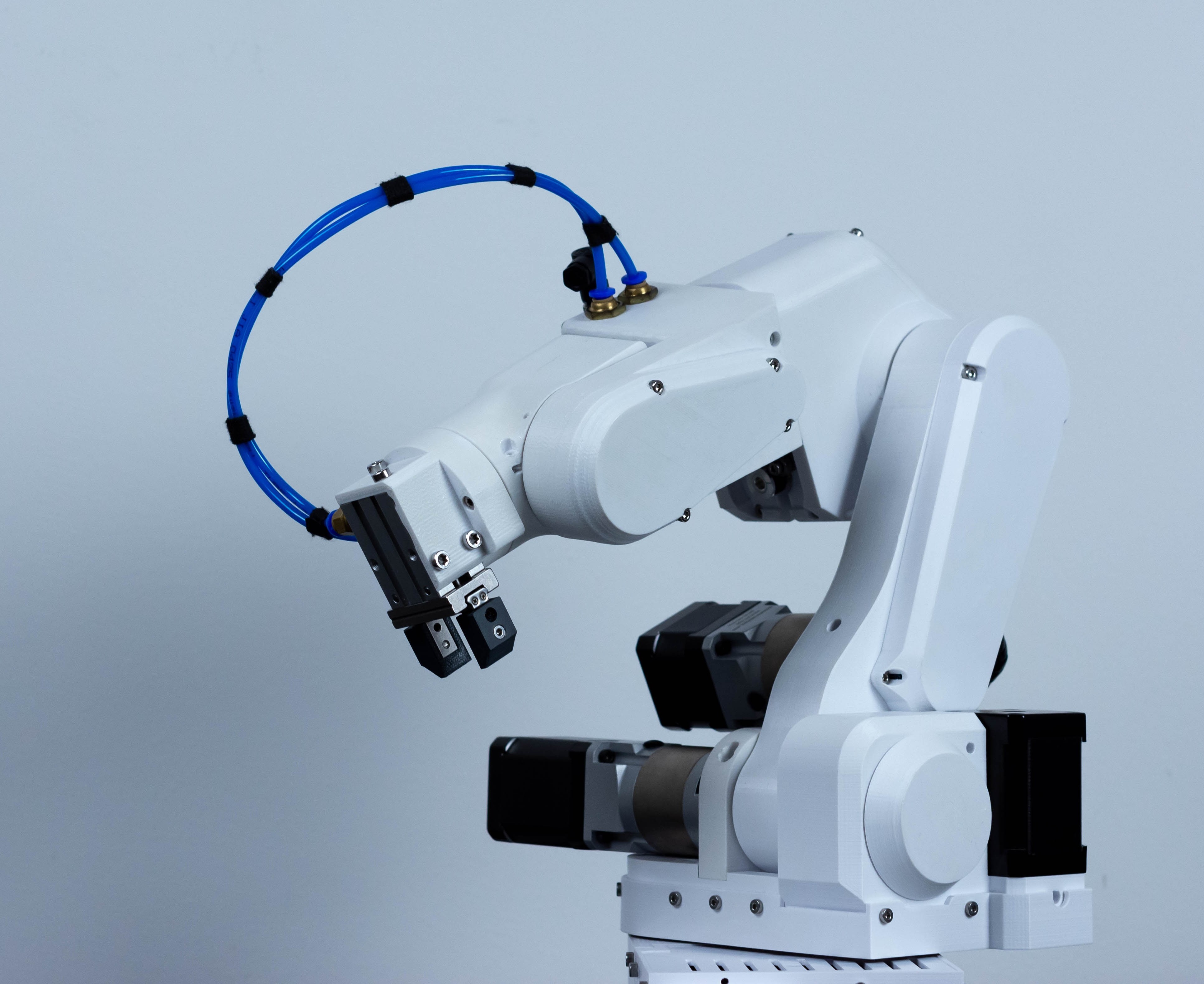
PAROL6 Desktop Robot Arm
Build example: PAROL6 Desktop Robot Arm →
Project context, not a tool endorsement.

Makerful

Official source ↗ for Makerful

Combines text/image-to-3D, vector generation and a CAD agent for dimensioned parts.

Give it
A prompt, reference image or measured part specification.
Get back
Mesh files or CAD exports, depending on the selected workflow.
Starting task, checks & access with Makerful

Try this first

For a bracket, supply dimensions, hole centres and wall thickness; request an editable CAD output rather than an artistic mesh.

Check before relying on it

Check units, tolerances, wall thickness and fit. A printable-looking preview does not prove a mechanically useful part.

Access and setup

Browser service; credits and export access depend on the workflow and plan.

Keep your sources and results in build notes →

Zoo Design Studio / Zookeeper

Official source ↗ for Zoo Design Studio / Zookeeper

Parametric CAD with a conversational agent, combining direct modelling and code-based geometry.

Give it
A dimensional brief, sketch or existing model.
Get back
Editable geometry and manufacturing-oriented CAD exports.
Starting task, checks & access with Zoo Design Studio / Zookeeper

Try this first

Create a simple mounting plate with named dimensions; change the hole spacing and inspect the resulting model.

Check before relying on it

Inspect constraints and geometry. Manufacturing feedback is not a strength calculation or approval for a load-bearing part.

Access and setup

Desktop application with browser exploration; AI access depends on plan.

Keep your sources and results in build notes →

Autodesk Fusion AI + Automation

Official source ↗ for Autodesk Fusion AI + Automation

CAD and CAM with automated and AI-assisted design/manufacturing features inside a broader engineering workflow.

Give it
A model, material, design constraints and intended manufacturing process.
Get back
Geometry, drawings or machining preparation according to the selected feature.
Starting task, checks & access with Autodesk Fusion AI + Automation

Try this first

Start with a measured model and learn the relevant modelling or CAM operation before adding automation.

Check before relying on it

Feature access varies by licence or extension. Toolpaths still require machine setup, stock and collision checks.

Access and setup

Installed CAD/CAM software; check licence and extension eligibility.

Keep your sources and results in build notes →

Onshape AI Advisor

Official source ↗ for Onshape AI Advisor

Documentation-based help for learning and using Onshape’s CAD features.

Give it
A question about an Onshape operation or workflow.
Get back
Guidance pointing towards the relevant CAD method and documentation.
Starting task, checks & access with Onshape AI Advisor

Try this first

Ask how to constrain a sketch and make hole spacing editable, then perform and inspect those steps in the model.

Check before relying on it

Advisor guidance is not generated engineering geometry or a design decision. You remain responsible for the actual model.

Access and setup

Onshape workspace; check availability within your account.

Keep your sources and results in build notes →
Discovered · Not yet assessed

build123d

Official source ↗ for build123d

Create a sensor enclosure from measured board dimensions; inspect mounting holes and wall thickness, then print a fit prototype.

Give it
Model a simple bracket from measured dimensions and inspect the exported solid before printing.
Get back
Makes AI-generated CAD code inspectable and adjustable rather than a one-off mesh.
Starting task, checks & access with build123d

Try this first

Model a simple bracket from measured dimensions and inspect the exported solid before printing.

Check before relying on it

Design or software resource. A fabrication-ready physical result has not been verified by CAIBI.

Access and setup

Software access and any optional AI service must be checked at review time. Hardware, materials, machine access and failed prototypes are separate; no complete build cost verified.

Keep your sources and results in build notes →

Tried it? Share your experience →

Discovered · Not yet assessed

CadQuery

Official source ↗ for CadQuery

Generate three sizes of the same electronics enclosure and compare STEP output with a real board and fasteners.

Give it
Generate two sizes of the same enclosure and inspect wall thickness and hole positions.
Get back
A practical bridge between AI coding assistance and repeatable physical design.
Starting task, checks & access with CadQuery

Try this first

Generate two sizes of the same enclosure and inspect wall thickness and hole positions.

Check before relying on it

Design or software resource. A fabrication-ready physical result has not been verified by CAIBI.

Access and setup

Software access and any optional AI service must be checked at review time. Hardware, materials, machine access and failed prototypes are separate; no complete build cost verified.

Keep your sources and results in build notes →

Tried it? Share your experience →

Discovered · Not yet assessed

Kiri:Moto

Official source ↗ for Kiri:Moto

Prepare a shallow tray or fixture from a model, inspect roughing and finishing paths, then validate setup on the actual machine.

Give it
Preview toolpaths for a simple part and inspect stock, clearance and workholding before machining.
Get back
Connects a CAD model to the practical choices that determine whether it can be machined.
Starting task, checks & access with Kiri:Moto

Try this first

Preview toolpaths for a simple part and inspect stock, clearance and workholding before machining.

Check before relying on it

Design or software resource. A fabrication-ready physical result has not been verified by CAIBI.

Access and setup

Software access and any optional AI service must be checked at review time. Hardware, materials, machine access and failed prototypes are separate; no complete build cost verified.

Keep your sources and results in build notes →

Tried it? Share your experience →

Discovered · Not yet assessed

OpenSCAD

Official source ↗ for OpenSCAD

Make a parametric cable organiser with configurable cable diameter, spacing and mounting holes; print fit samples before a full batch.

Give it
Change one dimension in a small practical model and inspect clearances before printing.
Get back
Turns AI-written code into a reusable physical design readers can adapt.
Starting task, checks & access with OpenSCAD

Try this first

Change one dimension in a small practical model and inspect clearances before printing.

Check before relying on it

Design or software resource. A fabrication-ready physical result has not been verified by CAIBI.

Access and setup

Software access and any optional AI service must be checked at review time. Hardware, materials, machine access and failed prototypes are separate; no complete build cost verified.

Keep your sources and results in build notes →

Tried it? Share your experience →

Discovered · Not yet assessed

Deepnest

Official source ↗ for Deepnest

Nest a set of laser-cut enclosure panels, accounting for material, spacing and intended grain direction before cutting.

Give it
Nest a few known SVG parts and check units, spacing and kerf allowances before cutting.
Get back
Adds a practical material-efficiency step often absent from beginner fabrication articles.
Starting task, checks & access with Deepnest

Try this first

Nest a few known SVG parts and check units, spacing and kerf allowances before cutting.

Check before relying on it

Design or software resource. A fabrication-ready physical result has not been verified by CAIBI.

Access and setup

Software access and any optional AI service must be checked at review time. Hardware, materials, machine access and failed prototypes are separate; no complete build cost verified.

Keep your sources and results in build notes →

Tried it? Share your experience →

Discovered · Not yet assessed

SolveSpace

Official source ↗ for SolveSpace

Model a four-bar linkage for a kinetic sculpture, inspect its path and interference, then build a low-load prototype.

Give it
Constrain a simple linkage and inspect its range of motion before printing parts.
Get back
Moves physical AI-assisted design beyond static boxes into understandable mechanical motion.
Starting task, checks & access with SolveSpace

Try this first

Constrain a simple linkage and inspect its range of motion before printing parts.

Check before relying on it

Design or software resource. A fabrication-ready physical result has not been verified by CAIBI.

Access and setup

Software access and any optional AI service must be checked at review time. Hardware, materials, machine access and failed prototypes are separate; no complete build cost verified.

Keep your sources and results in build notes →

Tried it? Share your experience →

Discovered · Not yet assessed

FreeCAD scripting

Official source ↗ for FreeCAD scripting

Create a repeatable mounting-pattern operation or export a reviewed set of parts after a parameter change.

Give it
Automate one change to a known model and compare the output with the original dimensions.
Get back
A practical productivity layer for readers who already use CAD and want AI help with repetitive work.
Starting task, checks & access with FreeCAD scripting

Try this first

Automate one change to a known model and compare the output with the original dimensions.

Check before relying on it

Design or software resource. A fabrication-ready physical result has not been verified by CAIBI.

Access and setup

Software access and any optional AI service must be checked at review time. Hardware, materials, machine access and failed prototypes are separate; no complete build cost verified.

Keep your sources and results in build notes →

Tried it? Share your experience →

04

Circuits & electronics

Connect components, electrical requirements and firmware before committing to a board.

6 tools to compare
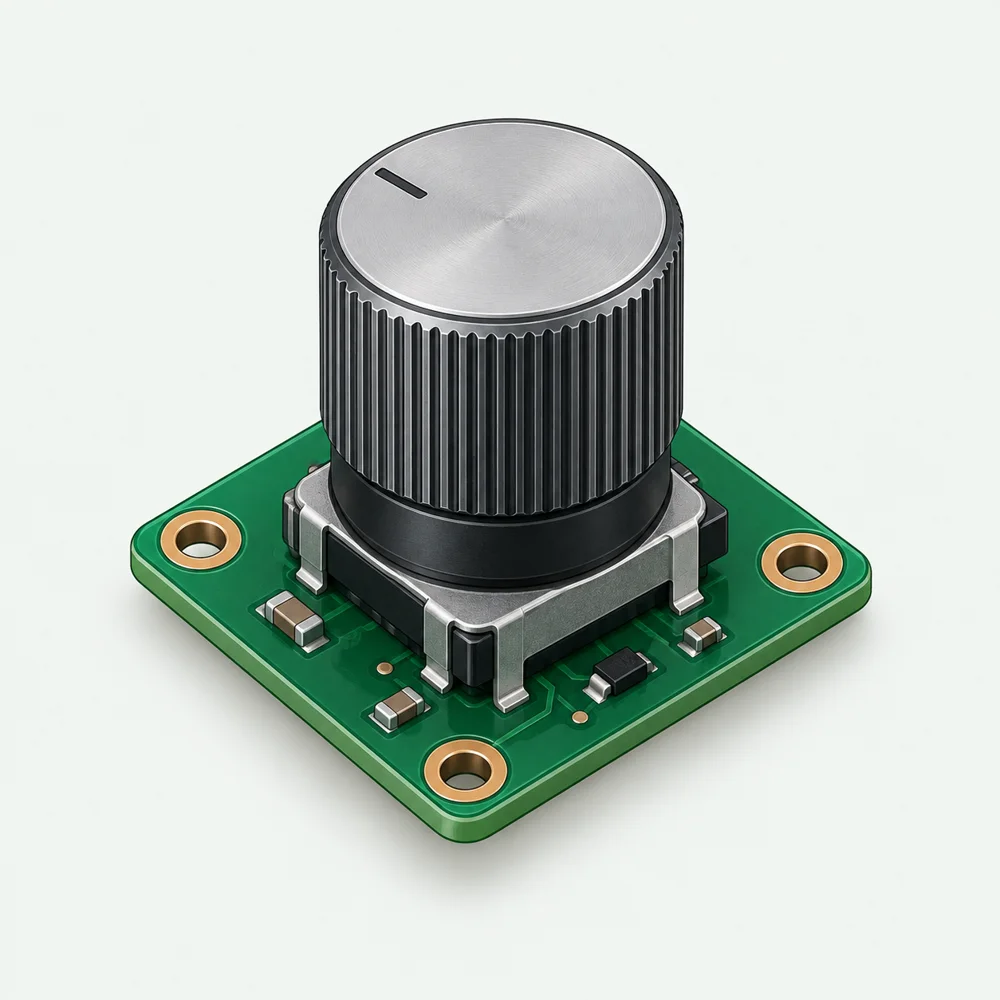
Assembled desk display and rotary control learning concept

Connect the hardware

Learning concept. Check the design, interfaces and physical output.

Flux

Official source ↗ for Flux

Browser PCB design with AI assistance for component research, schematics, bills of materials and board layout.

Give it
A circuit brief, electrical requirements and component constraints.
Get back
A circuit/PCB project and manufacturing outputs after design work.
Starting task, checks & access with Flux

Try this first

Begin with a simple sensor board and ask for a proposed power architecture and component rationale before routing.

Check before relying on it

Verify pinouts, footprints, voltage limits, layout and rule checks. Do not order boards solely from an AI-generated schematic.

Access and setup

Browser eCAD service; plan and manufacturing requirements vary.

Keep your sources and results in build notes →

Cirkit Designer

Official source ↗ for Cirkit Designer

Circuit design, wiring and code assistance with simulation for supported embedded hardware.

Give it
Board choice, supported components and the behaviour to implement.
Get back
A wiring design, firmware and simulated behaviour where supported.
Starting task, checks & access with Cirkit Designer

Try this first

Model one sensor and its serial output before attempting the complete device.

Check before relying on it

Simulation covers supported models, not every physical failure. Check voltage levels and the real board revision.

Access and setup

Browser service; simulation support and usage depend on components and plan.

Keep your sources and results in build notes →

Schematik

Official source ↗ for Schematik

An AI-assisted hardware workspace for Arduino, ESP32 and Pico projects, bringing parts, wiring and code together.

Give it
A supported board and a concrete prototype idea.
Get back
A hardware project with wiring, component and firmware guidance.
Starting task, checks & access with Schematik

Try this first

Choose one supported board and one output device, then build a minimal prototype before adding features.

Check before relying on it

Confirm hardware support, pin assignments and library versions against documentation before assembly.

Access and setup

Hardware IDE; verify current platform and board support.

Keep your sources and results in build notes →

Atech

Official source ↗ for Atech

A modular electronics platform whose vendor describes generating board layouts and ESP32 firmware from a project description.

Give it
A project idea and a selection of supported Atech modules.
Get back
A proposed module layout and firmware for the Atech hardware workflow.
Starting task, checks & access with Atech

Try this first

Read the module reference and check that the required inputs and outputs are supported before ordering hardware.

Check before relying on it

Vendor documentation reviewed; generated firmware and physical operation have not been independently tested by CAIBI. Compatibility with arbitrary third-party hardware is not established.

Access and setup

Hardware offered for preorder. Confirm delivery, kit contents and ongoing platform access before purchasing.

Keep your sources and results in build notes →
Discovered · Not yet assessed

KiBot

Official source ↗ for KiBot

Prepare a board's documented output set after schematic and layout review, with electrical and design-rule reports retained.

Give it
Run rule checks and manufacturing exports on a known KiCad example before adapting a board.
Get back
A useful way to reduce missed steps as AI-assisted electronics projects become more complex.
Starting task, checks & access with KiBot

Try this first

Run rule checks and manufacturing exports on a known KiCad example before adapting a board.

Check before relying on it

Design or software resource. A fabrication-ready physical result has not been verified by CAIBI.

Access and setup

Software access and any optional AI service must be checked at review time. Hardware, materials, machine access and failed prototypes are separate; no complete build cost verified.

Keep your sources and results in build notes →

Tried it? Share your experience →

Discovered · Not yet assessed

Wokwi

Official source ↗ for Wokwi

Prototype a rotary-dial menu and status lights, verify input handling, then build and test the same supported circuit.

Give it
Simulate one button and output, then deliberately test a fault before wiring a real board.
Get back
Gives AI-assisted firmware a visible proving ground before parts arrive.
Starting task, checks & access with Wokwi

Try this first

Simulate one button and output, then deliberately test a fault before wiring a real board.

Check before relying on it

Design or software resource. A fabrication-ready physical result has not been verified by CAIBI.

Access and setup

Software access and any optional AI service must be checked at review time. Hardware, materials, machine access and failed prototypes are separate; no complete build cost verified.

Keep your sources and results in build notes →

Tried it? Share your experience →

05

Artwork & 3D forms

Create a visual design, then prepare it for the actual printing or cutting process.

7 tools to compare
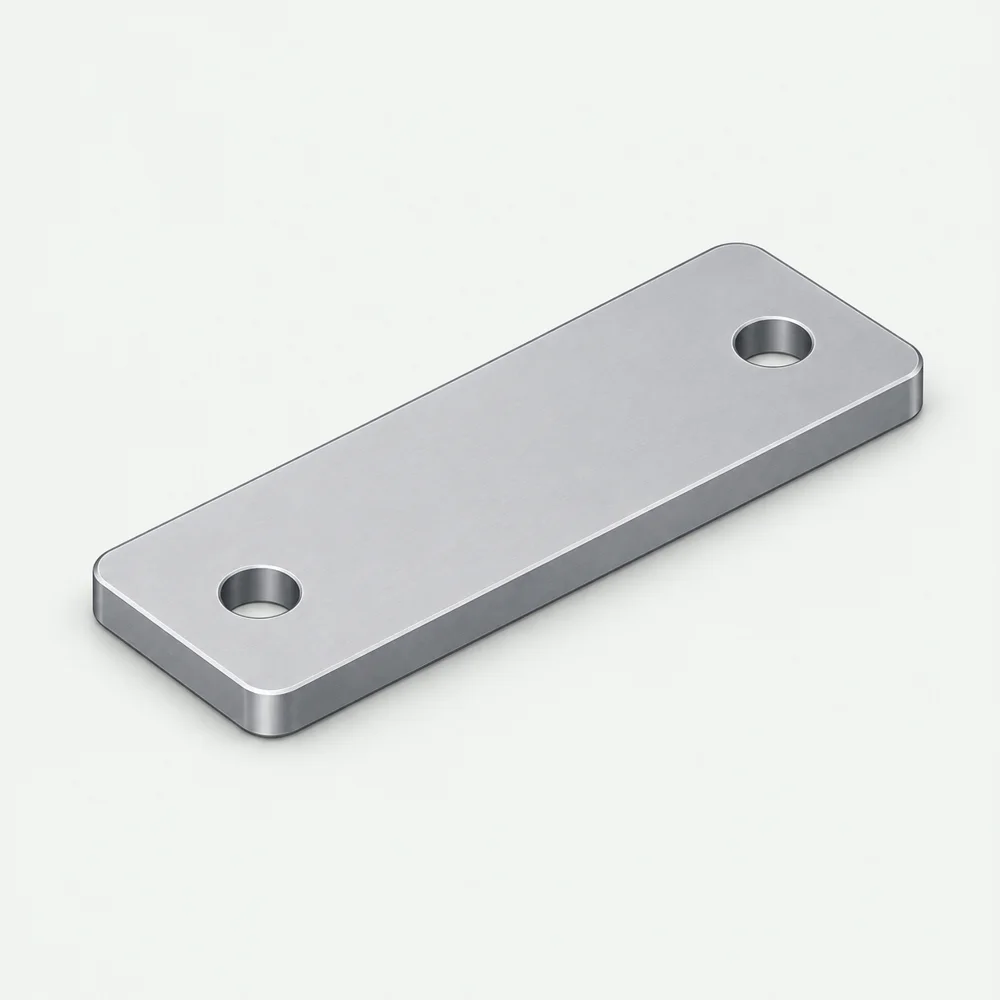
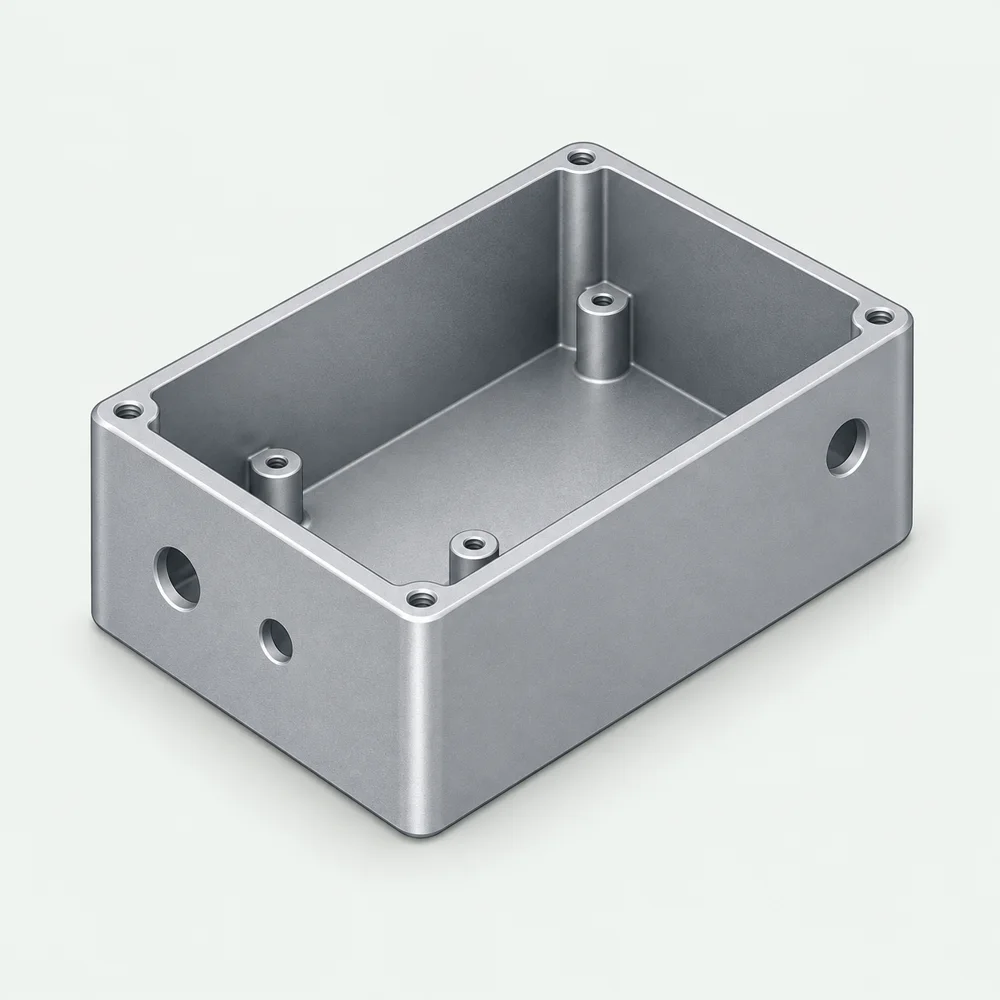
Two-hole mounting plate concept

Prepare a physical output

Learning concept. Check the design, interfaces and physical output.

Adobe Firefly

Official source ↗ for Adobe Firefly

Image and editable vector generation for artwork that can move into printing, engraving or craft workflows.

Give it
An artwork brief, desired style and output dimensions.
Get back
Raster images or SVG vectors through the appropriate feature.
Starting task, checks & access with Adobe Firefly

Try this first

Generate a simple motif, inspect the exported vector in a vector editor and prepare it in the machine’s software.

Check before relying on it

Artwork is not a cutting toolpath. Check closed paths, duplicate lines, minimum detail, rights and material suitability.

Access and setup

Browser/Adobe workflows; generative credits and features vary by plan.

Keep your sources and results in build notes →

Meshy

Official source ↗ for Meshy

Text- and image-to-3D for mesh-based objects, concepts and decorative forms.

Give it
A text description or reference image of the intended form.
Get back
A mesh that needs inspection and preparation for its intended use.
Starting task, checks & access with Meshy

Try this first

Try a decorative object first, then inspect scale, mesh integrity and supports in your modelling/slicing tools.

Check before relying on it

Generated meshes are not dimensioned parametric CAD. Do not assume accurate fits, internal features or structural strength.

Access and setup

Browser/API service; generation and export allowances vary.

Keep your sources and results in build notes →
Discovered · Not yet assessed
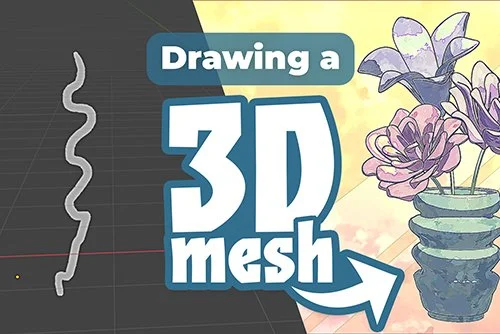
Source reference for Draw a shape and turn it into a 3D object; not a CAIBI review photographSource reference

Draw a shape and turn it into a 3D object

Official source ↗ for Draw a shape and turn it into a 3D object

Turn a hand-drawn profile into a mesh, validate it and 3D-print the resulting vase or desk object.

Give it
Create one simple shape, inspect mesh dimensions and thickness, then test a small print.
Get back
Bridges drawing and parametric modelling with a visible, physical end result.
Starting task, checks & access with Draw a shape and turn it into a 3D object

Try this first

Create one simple shape, inspect mesh dimensions and thickness, then test a small print.

Check before relying on it

Design or software resource. A fabrication-ready physical result has not been verified by CAIBI.

Access and setup

Blender software is free; printing/materials and creator download terms require separate checking.

Keep your sources and results in build notes →

Tried it? Share your experience →

Discovered · Not yet assessed
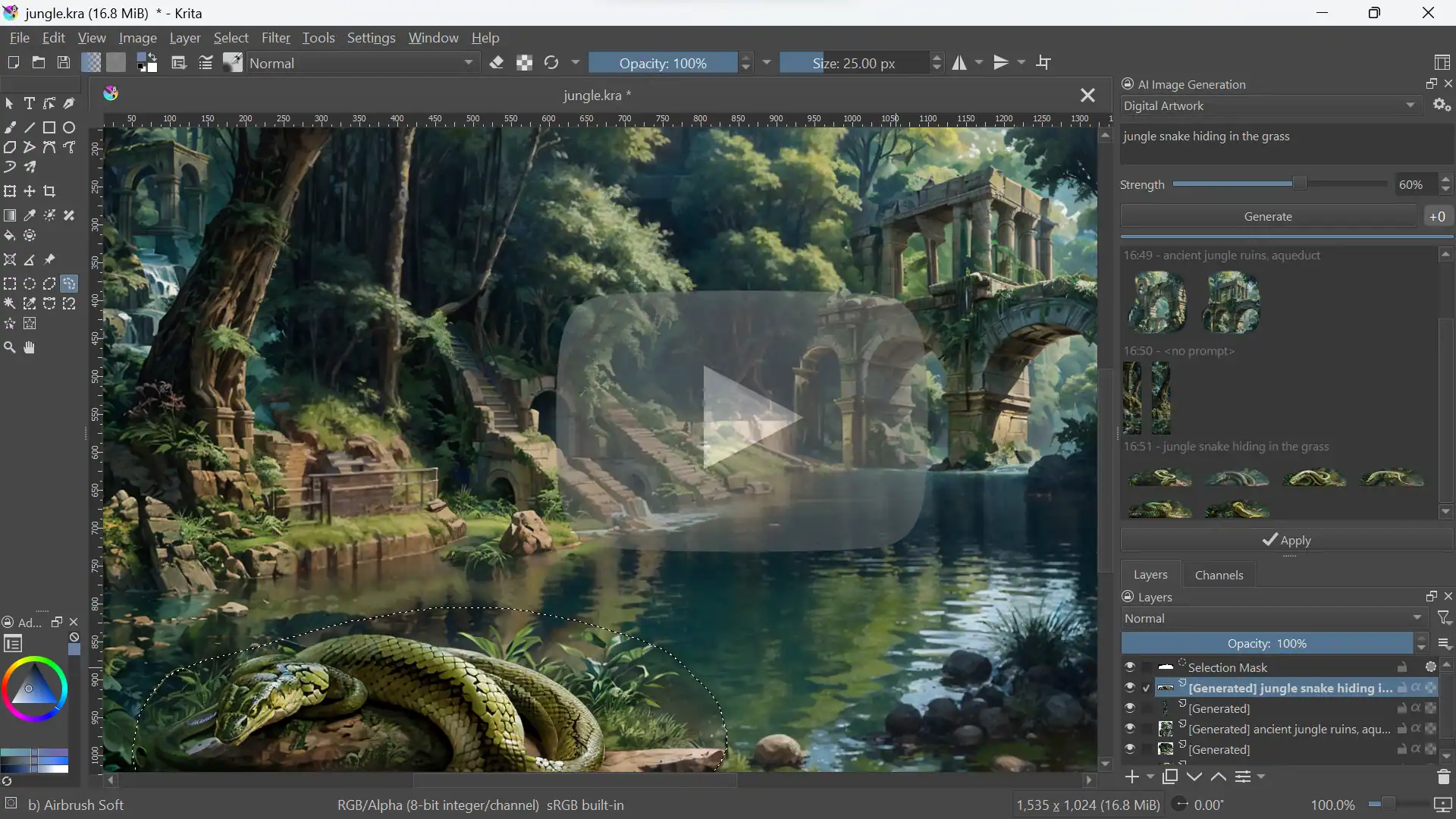
Source reference for Paint with AI inside Krita; not a CAIBI review photographSource reference

Paint with AI inside Krita

Official source ↗ for Paint with AI inside Krita

Generate and edit owned artwork for a physical sign, printed panel or engraved object; proposed downstream use only.

Give it
Create one original motif and inspect it at the intended print or transfer size.
Get back
Keeps the maker actively drawing and directing the result.
Starting task, checks & access with Paint with AI inside Krita

Try this first

Create one original motif and inspect it at the intended print or transfer size.

Check before relying on it

Design or software resource. A fabrication-ready physical result has not been verified by CAIBI.

Access and setup

Local computer/GPU or optional hosted service; plugin is GPL-3.0, model terms vary.

Keep your sources and results in build notes →

Tried it? Share your experience →

Discovered · Not yet assessed
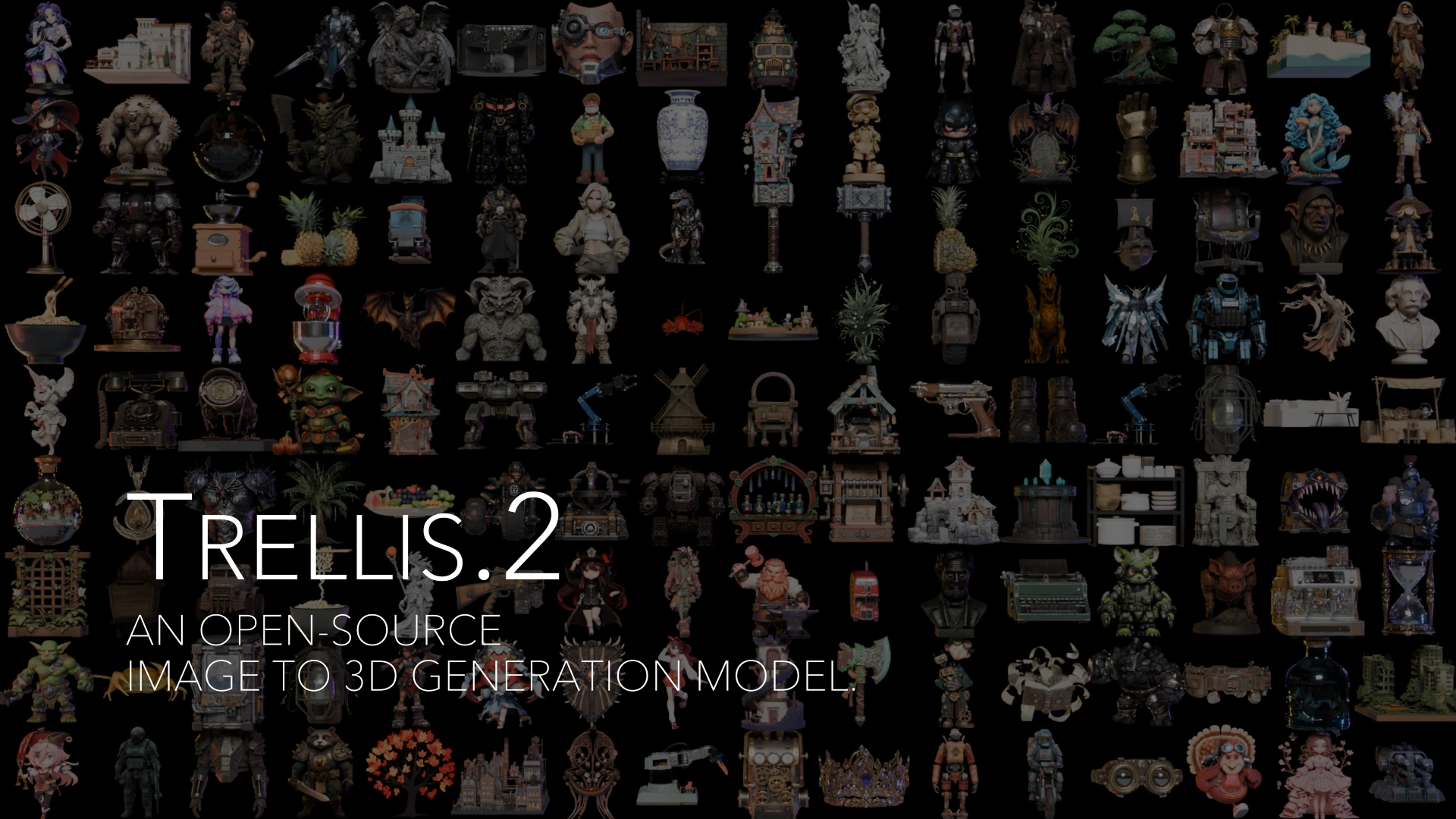
Source reference for Make a textured 3D asset from an image with TRELLIS.2; not a CAIBI review photographSource reference

Make a textured 3D asset from an image with TRELLIS.2

Official source ↗ for Make a textured 3D asset from an image with TRELLIS.2

Generate an object mesh, repair geometry, validate dimensions and test-print; source proves 3D asset generation but not printable quality.

Give it
Generate one simple object and check watertightness, wall thickness and scale in a modelling tool.
Get back
Represents a meaningful frontier beyond flat-image generation while exposing the remaining cleanup work.
Starting task, checks & access with Make a textured 3D asset from an image with TRELLIS.2

Try this first

Generate one simple object and check watertightness, wall thickness and scale in a modelling tool.

Check before relying on it

Design or software resource. A fabrication-ready physical result has not been verified by CAIBI.

Access and setup

Model execution requires suitable compute; local versus rented GPU cost must be measured.

Keep your sources and results in build notes →

Tried it? Share your experience →

Discovered · Not yet assessed
Source reference for Capture a real object or room in 3D with a phone; not a CAIBI review photographSource reference

Capture a real object or room in 3D with a phone

Official source ↗ for Capture a real object or room in 3D with a phone

Scan a real object and assess whether an exported mesh can become a remixed or reproduced physical print; source capability is capture, not dimensionally proven fabrication.

Give it
Scan one matte object and compare known dimensions before using it as a fabrication reference.
Get back
Shows a compelling result using hardware many readers already own.
Starting task, checks & access with Capture a real object or room in 3D with a phone

Try this first

Scan one matte object and compare known dimensions before using it as a fabrication reference.

Check before relying on it

Design or software resource. A fabrication-ready physical result has not been verified by CAIBI.

Access and setup

Compatible phone; subscription/export limits depend on capture mode and current plan, not priced here.

Keep your sources and results in build notes →

Tried it? Share your experience →

Discovered · Not yet assessed

Ink/Stitch

Official source ↗ for Ink/Stitch

Create a small original patch, preview its stitch plan, then stitch on scrap fabric and adjust underlay, density and sequencing.

Give it
Digitise one small shape, preview the stitch plan and sew a test on scrap fabric.
Get back
Makes the path from digital design to a real patch or accessory explicit.
Starting task, checks & access with Ink/Stitch

Try this first

Digitise one small shape, preview the stitch plan and sew a test on scrap fabric.

Check before relying on it

Design or software resource. A fabrication-ready physical result has not been verified by CAIBI.

Access and setup

Software access and any optional AI service must be checked at review time. Hardware, materials, machine access and failed prototypes are separate; no complete build cost verified.

Keep your sources and results in build notes →

Tried it? Share your experience →

06

Local AI & integration

Choose where the model runs, check the memory it needs, then connect it to your application. Ollama is a runtime; Llama is a family of models.

Understand memory, context and local setup →3 tools to compare
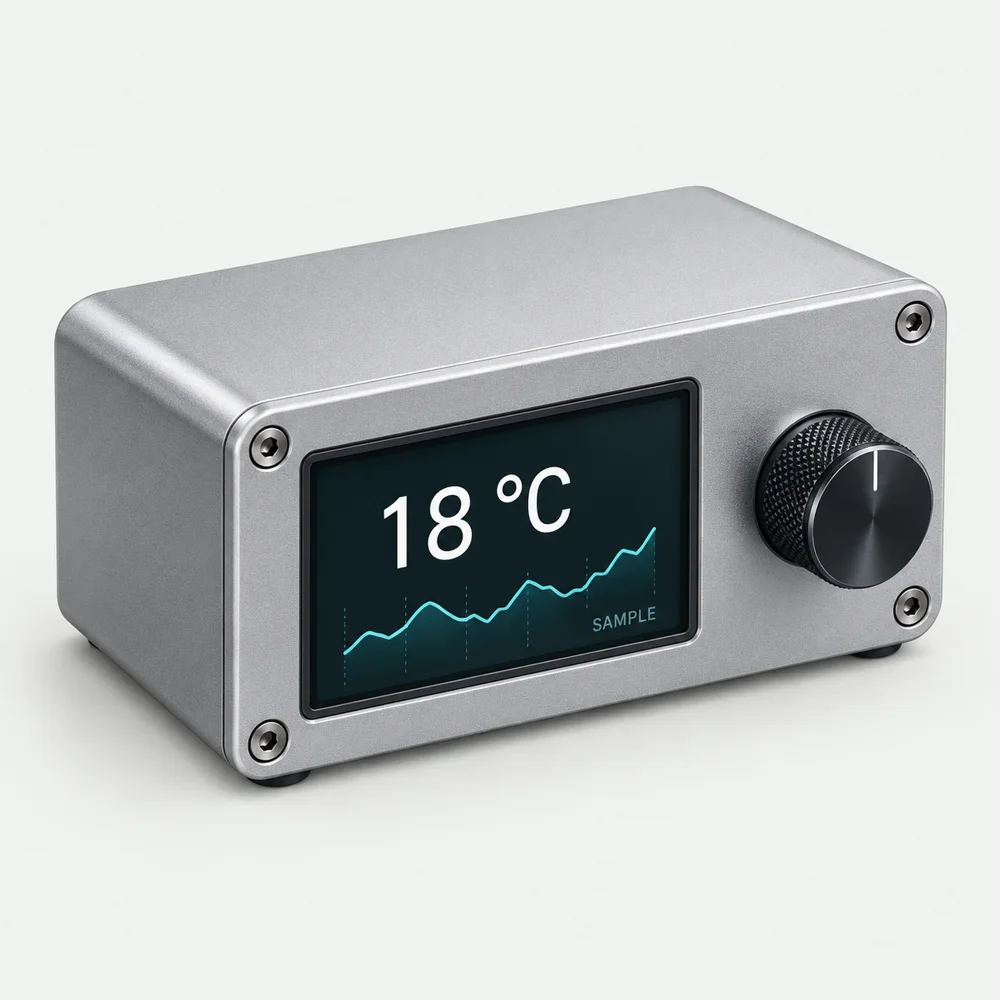
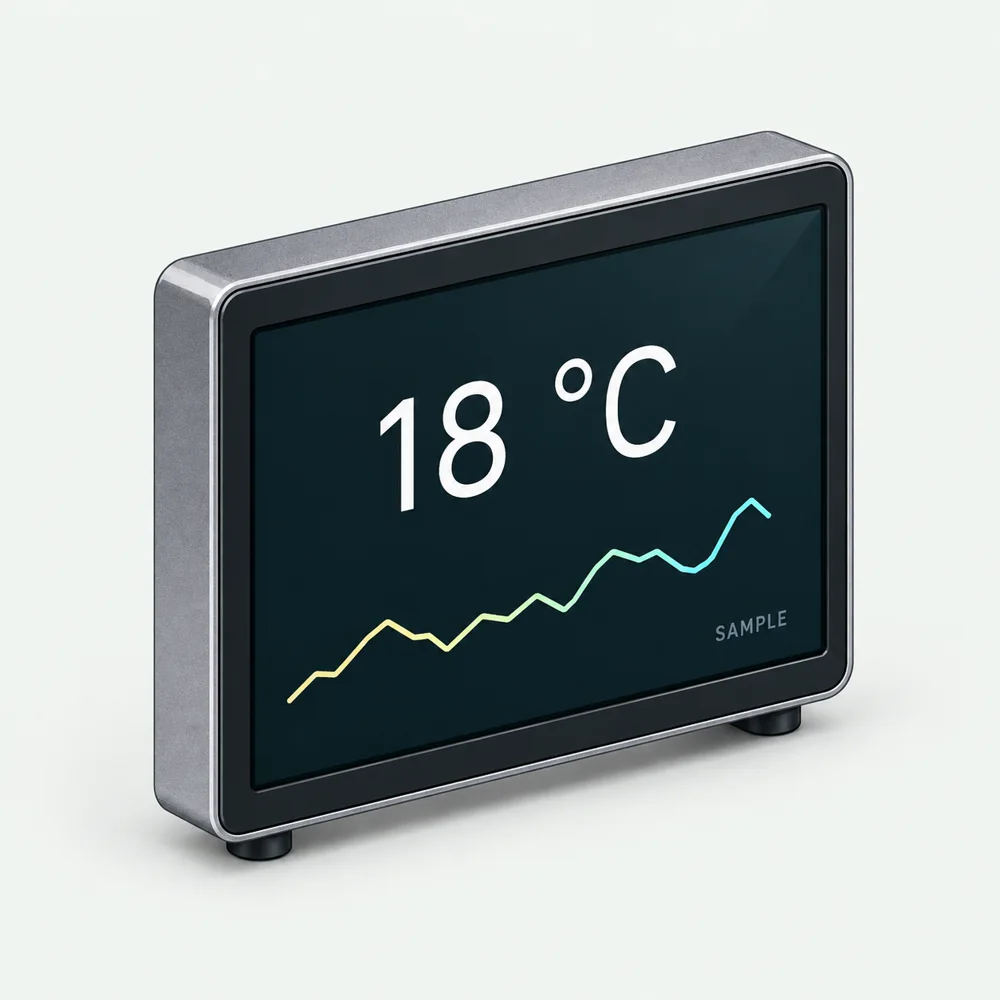
Sample temperature display concept

Connect a model to a device

Learning concept. Check the design, interfaces and physical output.

Ollama

Official source ↗ for Ollama

A way to run compatible open models locally and integrate them into your own software.

Give it
A suitable computer, downloaded model and a local prompt or API request.
Get back
Model responses available through a local application/API.
Starting task, checks & access with Ollama

Try this first

Use it to explain a small source file offline before connecting it to a build tool or private-data workflow.

Check before relying on it

Memory, speed and capability depend on the model and hardware. Cloud models or connected tools can still send data off-device.

Access and setup

Local installation and model download; hardware requirements vary by model.

Keep your sources and results in build notes →
Discovered · Not yet assessed

Create offline speech tools for a phone or small device

Official source ↗ for Create offline speech tools for a phone or small device

Build an offline voice or caption interface into a custom device; toolkit supports embedded and mobile deployment, hardware integration remains proposed.

Give it
Try one supported model on the target device and measure latency before designing hardware.
Get back
Makes accessibility and edge computing concrete without requiring a cloud-only product.
Starting task, checks & access with Create offline speech tools for a phone or small device

Try this first

Try one supported model on the target device and measure latency before designing hardware.

Check before relying on it

Design or software resource. A fabrication-ready physical result has not been verified by CAIBI.

Access and setup

Target hardware and development time; software/model licences and memory needs vary.

Keep your sources and results in build notes →

Tried it? Share your experience →

Discovered · Not yet assessed

Edge Impulse agents

Official source ↗ for Edge Impulse agents

Collect accelerometer gestures for a handheld controller, train against real examples, and test unseen users and everyday non-gesture motion.

Give it
Record a small labelled gesture dataset and test against separate recordings before deployment.
Get back
A concrete example of AI assistance producing a physical object's behaviour.
Starting task, checks & access with Edge Impulse agents

Try this first

Record a small labelled gesture dataset and test against separate recordings before deployment.

Check before relying on it

Design or software resource. A fabrication-ready physical result has not been verified by CAIBI.

Access and setup

Software access and any optional AI service must be checked at review time. Hardware, materials, machine access and failed prototypes are separate; no complete build cost verified.

Keep your sources and results in build notes →

Tried it? Share your experience →

LOCAL AI / A PRACTICAL CHOICE

Will it work on your computer?

Start with a task you can check. A local model can be useful without matching a hosted assistant across every task.

Hosted: ChatGPT or Claude

The provider runs the model. Your computer does not need memory for its weights. You rely on the service’s access, usage limits and data terms.

Useful when you want to get started without managing model downloads or inference hardware.

Local: your model, your machine

You supply the compute, storage and memory. Smaller models can fit more easily, but quality, speed and tool support need checking against your task.

Useful for a bounded offline workflow or an application where you want control over model hosting.

Hybrid: check each connection

A local app can call a cloud model. A local model can use web search or external tools. Check where requests go before treating the workflow as offline or private.

How Ollama cloud models work ↗
Model, runtime and agent: what are you installing?

Model: the downloaded weights that generate answers. Llama is one model family. LM Studio also supports families such as Qwen and Mistral. Check the exact version, size, licence and required features, including tool calling, before downloading.

Runtime: software that loads and runs compatible models. Ollama is one option. LM Studio offers a desktop interface; llama.cpp is another inference engine. These are alternative setup routes, not a performance ranking.

Agent: an application that uses a model and tools to act on a task. Check file, command and network permissions separately from model quality. See a concrete agent permission system ↗

RAM, graphics memory and model size

RAM is system working memory; VRAM is dedicated graphics memory. Apple silicon uses a shared unified memory pool, which the operating system and other apps also need.

Allow room for model weights, the runtime and the conversation cache (KV cache). The model’s download size is not the complete memory requirement. More context and simultaneous requests can require more memory.

Quantisation stores weights at lower precision to reduce memory use. It can affect output quality; a smaller download is not evidence that it will handle your task well. Quantisation explained ↗

For an initial reference, LM Studio recommends 16 GB or more RAM, and on Windows at least 4 GB dedicated VRAM. These are application recommendations, not a guarantee for any particular model or agent. Check your exact operating system and hardware in the system requirements ↗.

Context limits: why a model can load but still struggle

Tokens are chunks of text used to measure input and output. The context window is the model’s working space for a request: instructions, conversation, supplied documents and tool results all take space. Output limits are separate; a large context allowance does not mean an equally long answer.

A model’s advertised maximum may exceed the runtime’s configured context or your available memory. Longer contexts increase memory demand. An agent working through many files may need much more context than a short chat.

In Ollama, inspect the active model with ollama ps to check the configured context and CPU/GPU split. If performance falls, try a smaller model or shorter context and repeat the same task. Ollama context settings ↗ · How context windows work ↗

Try this before buying hardware or enabling an agent
  1. Pick one checkable job: explain a known firmware function or return three fields from a saved API response.
  2. Record your RAM, available graphics or unified memory, model version, quantisation and configured context.
  3. Run a short sample, then a realistic longer input. Record accuracy, response time and memory use with other usual apps open.
  4. Compare the same task with a hosted assistant. Keep whichever route meets the requirement; change one variable at a time.
  5. Only then add tools. Restrict access to the project, review edits and test a rollback. A model response alone does not authorise a physical action.

For a device build, distinguish the controller from the model host: a small controller can send a request to a computer or service without running that model itself.

Start with a checkable data exercise →
Privacy, offline use and running costs

Local inference can keep prompts on your machine, but downloaded models, cloud options, connected tools and logging each need checking. Ollama provides a local-only setting that disables its cloud features. Ollama privacy and local-only settings ↗

Local use still consumes storage, electricity and setup time. Hosted subscriptions and API billing are different access routes; check the current plan before assuming a subscription covers your own application.

Technical guidance checked against the linked official documentation on 9 September 2026. The trial above is CAIBI guidance, not a hardware benchmark.

GO BEYOND CHAT

What could you connect, change or automate?

Could your project read a display, answer questions about its manual, or respond to a spoken request? You can explore the idea before you know how to build it. Ask an assistant to break it into parts, then try one part you can check.

More context, retrieval or fine-tuning?

Supply context when a few relevant files fit. Retrieval-augmented generation (RAG) finds relevant passages from a larger collection and supplies them to the model. Fine-tuning trains on examples to change behaviour; it is a separate workflow from looking up current documents.

For a workshop assistant, first try ten known questions against a few source manuals. Require page references and include questions the manuals cannot answer. If relevant passages are missing, improve retrieval before changing the model. Consider fine-tuning only with a repeatable task, suitable training examples and a separate evaluation set.

Build and inspect a retrieval workflow ↗ · What fine-tuning involves ↗
Vision, voice and reasoning: which capability does the job need?

Image understanding, image generation, speech recognition and speech output are different capabilities. Check both the exact model and the interface: an app may combine several models. A longer reasoning mode is an option to test, not a guarantee of correctness.

Try reading a display photograph, transcribing a workshop note or explaining a known fault. Test glare, noise, units and ambiguous inputs. A generated image is not dimensioned CAD, and identifying a component from a photo does not verify its pinout. Return to the source and a physical check.

Example capability catalogue ↗
Tools, agents and multiple models: how much autonomy helps?

A tool call proposes a structured action; your application runs it. An agent adds a loop of decisions, tool results and further actions. Model Context Protocol (MCP) is one way for an app to connect an assistant to tools and information. A connection does not make those tools trustworthy or improve the underlying model by itself.

Start with read-only access to one project. Add a bounded edit, a test command and a rollback. Keep credentials out of prompts; treat instructions found inside retrieved files or web pages as untrusted. Require approval for publishing, spending or operating hardware.

Try a smaller model for extraction and a stronger model for difficult cases. Several agents can divide independent work, but also add cost and conflicting changes. Compare their combined result with one agent on the same task before expanding permissions.

How MCP connects an app to tools ↗ · How tool calling works ↗ · A concrete permission system ↗
What does a successful result actually cost?

Compare the cost per accepted result, including failed attempts, review time and retries. Record model/version, input and output size, reasoning settings, response time and correctness. Repeat representative cases; one impressive answer or a vendor leaderboard does not establish reliability for your build.

For APIs, check input/output rates, caching, tool charges, limits and availability. For local use, include hardware, electricity, storage and maintenance. A mixture-of-experts model activates only some parameters per token, but that active count alone does not tell you how much memory its weights need. Test the intended context and concurrent workload.

Keep an exportable test set and saved outputs. Re-run it before switching model versions or providers, and choose a failure state when the service is unavailable.

Record your comparison →


Open weights, privacy and portability: what are you taking on?

Open weights mean model parameters are available; they do not guarantee access to training data, unrestricted licensing or free hosted use. Read the exact model licence, upstream conditions and service terms before distributing a modified model or building a product around it.

Check the actual operator, processing region, retention, training use, logging and connected tools for your chosen account and endpoint. A third-party host of the same weights can have different terms from the developer. Local inference can still send data through cloud tools.

Test the languages, units and topics your project uses. Record uncertainty, omissions and refusal behaviour. Keep data export and a replacement-provider route in mind; API compatibility does not guarantee identical tool calls or outputs.

Inspect the model and provider sources →
EXPERIMENT 01 / COMPARE

Could a different model help?

Take saved API responses, including missing and invalid values. Ask two models to produce the same three fields.

Keep: a test set, expected answers and a result table. Check validity, units, time and cost before choosing.

Prepare the failure cases →
EXPERIMENT 02 / CONNECT

Could my project explain itself?

Use a few public manuals and ask questions with known page references. Add an unanswerable question.

Keep: answers linked to passages and a list of misses. Progress from supplied excerpts to retrieval when the collection grows.

Follow a retrieval implementation ↗
EXPERIMENT 03 / BUILD

Could it understand a request?

Prototype a typed command, then consider voice or an image. Convert it into a small allowed set of actions.

Keep: validated commands, an unknown-input state and a manual override. Test in simulation before connecting physical outputs.

Build predictable control states →

Exploration briefs, not completed CAIBI lessons or tested device designs. The linked sources support the technical concepts; choose a bounded experiment and record the result.

PUT IT TO WORK

Take the output into a build.

Three routes from an AI-assisted change to something you can inspect, test and improve.

A better brief gets a more useful result.

Tell the tool what you have, what must change and how you will check it. Keep source claims separate from its suggestions.

Choose an assessed build →
Open a reusable build brief
I am working from: [source URL and version]
My board, materials and tools: [exact details]
The one outcome I need: [measurable result]
Constraints: [dimensions, power, budget, interfaces]
First identify missing information. Do not invent it.
Propose a small change and explain your assumptions.
Show how to inspect or test the output.
State what still needs to be checked on the physical build.

Bring the result back to the build.

Save what you tried, what worked and what failed. That is the useful evidence another maker can learn from.

Start private build notes →Share a documented result →

Find new developments and people building things.

Explore these sources, then use the ideas board to propose what is missing, develop a completion route or share a documented result. A source listing is not a CAIBI assessment of everything it publishes.

  • Zoo / Zookeeper ↗AI-assisted design

    Follow conversational CAD developments, then check the exported geometry and physical fit.

  • Flux ↗AI-assisted electronics

    Explore PCB design workflows and documentation. Manufacturer claims still need circuit and hardware checks.

  • Edge Impulse ↗AI inside a device

    Explore training and deploying models on devices. AI inference is a different role from AI helping design the build.

  • Follow open robot-learning software and documented hardware routes. An ambitious path with assembly and calibration work.

  • PleaseDontCode ↗AI-assisted firmware guidance

    Explore using AI for Arduino and ESP32 coding. Confirm pin assignments and library versions, compile in small steps and test on the actual hardware.

Source links checked 16 September 2026.

Explore ideas to develop → · Found a build, useful source or something we missed? Send it to CAIBI →